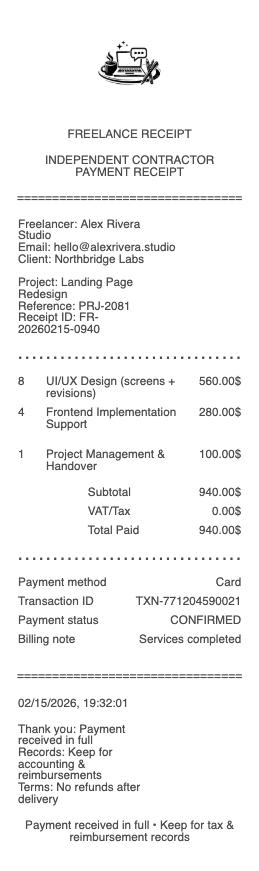
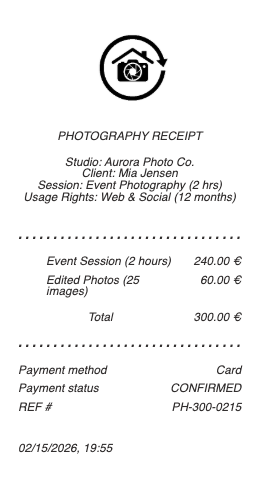
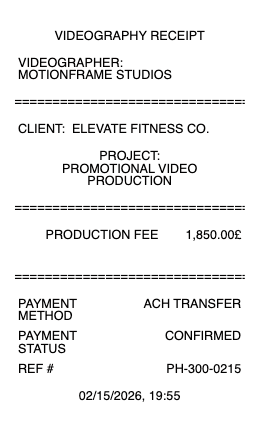

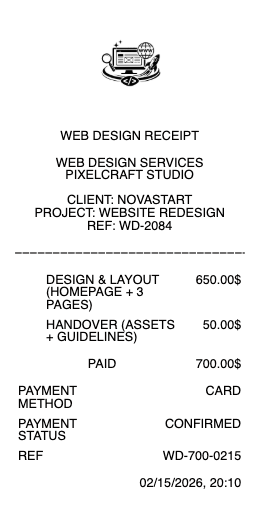
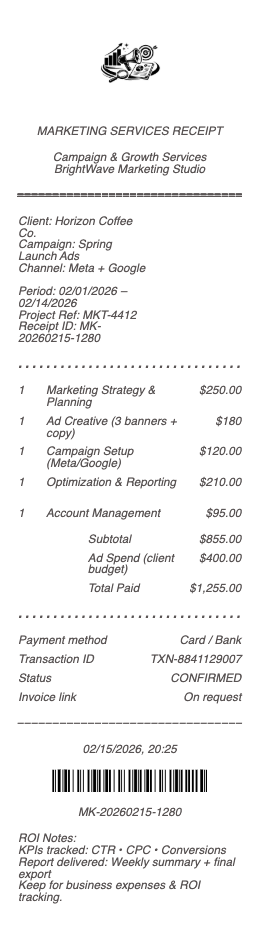
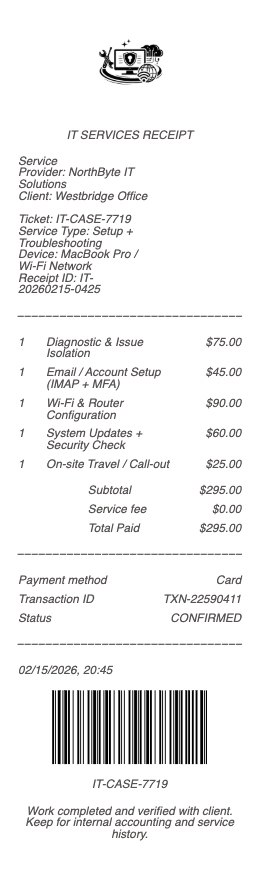
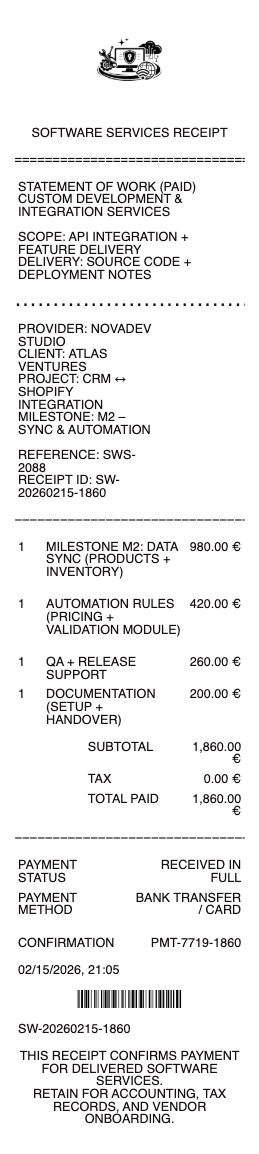
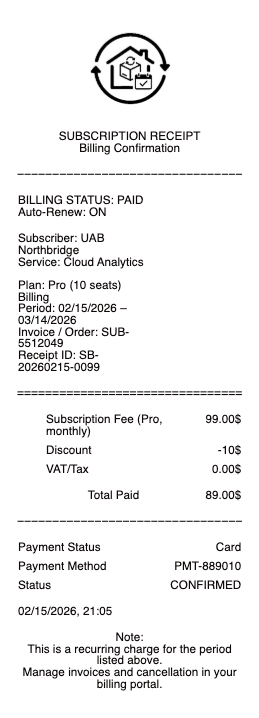
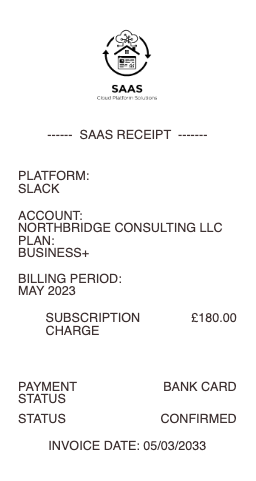
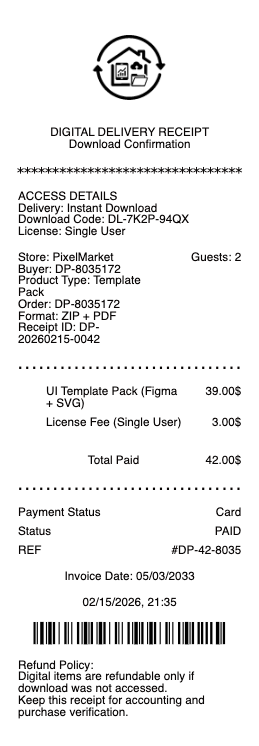
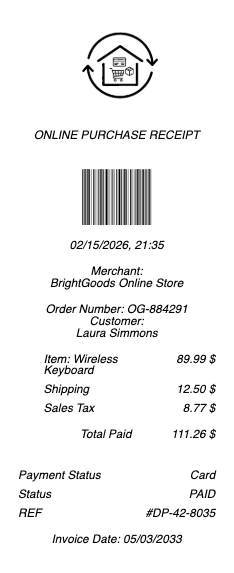
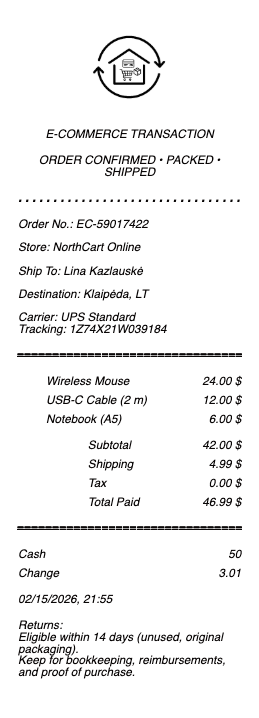
A freelance receipt is the document an independent professional issues to a client at the end of a project, retainer cycle, or one-off engagement. Designers, developers, photographers, writers, consultants, coaches, translators, accountants, and every other independent operator working on a 1099 needs a clean format for issuing receipts and a clean record of every dollar earned. Any Receipt Generator gives freelancers and small business owners a free template they can issue to clients in under a minute and download as a PNG or JPG image.
A note on legitimate use. This template is for freelancers, contractors, and small business owners issuing receipts to clients for services they actually performed and were paid for. Producing a receipt for work that did not happen, inflating the amount, or fabricating documentation to claim Schedule C income, an Earned Income Tax Credit, a Solo 401(k) or SEP IRA contribution, a 1099-NEC report, a business loan application, or any third-party qualification is fraud and is not what this tool is for.
Who needs a freelance or contractor receipt
• Freelance designers, developers, copywriters, illustrators, photographers, video editors, and content creators issuing project receipts to clients
• Independent consultants, coaches, advisors, and strategists running retainer or hourly billing
• Translators, transcribers, voiceover artists, and editorial freelancers issuing receipts on completion
• Tutors, music teachers, language coaches, and remote instructors documenting paid lessons
• Tradespeople and skilled contractors operating as sole proprietors issuing receipts on top of invoices
• Side-hustle creators on Etsy, Substack, Patreon, Twitch, or YouTube who need a clean record of payouts and a receipt for commissioned clients
• 1099 contractors documenting income for self-employment tax, quarterly estimated payments, and retirement contribution caps
• Small business owners and solo LLCs issuing receipts in addition to invoices for client bookkeeping
What to include in a freelance receipt
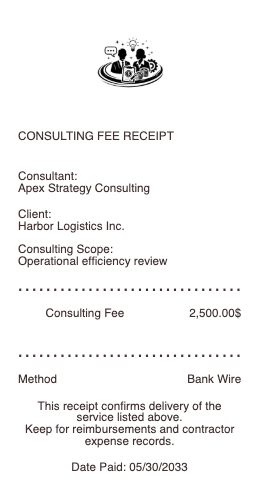
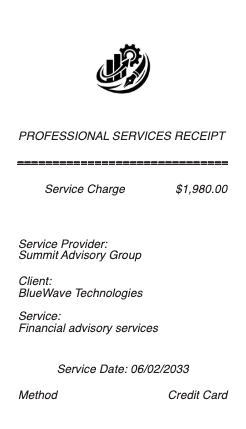
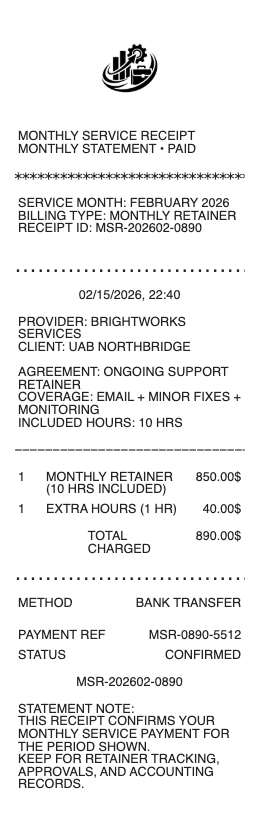
A freelance receipt has fields that distinguish it from a retail or service receipt — the work scope, the engagement type, the deliverables billed, and the tax handling specific to independent work.
• Your business name (or legal name if a sole proprietor) and full address
• Your tax ID — EIN if you have one, or "SSN on file" placeholder for clients who collected your W-9
• Your contact information (email, phone, optional website)
• Client name and address (the entity that paid)
• Receipt or invoice number — sequential, no gaps
• Date of payment
• Engagement description — project name, retainer cycle, or specific deliverable
• Itemized line items — task, hours or units, rate per unit
• Subtotal
• Sales tax, where applicable (most states don’t tax pure professional services)
• Discount or retainer credit, if applicable
• Total
• Payment method — bank transfer / ACH, check #, Stripe, PayPal, Venmo, Zelle, Wise
• "Paid in full" notation
How to fill out a freelance receipt
1. Open the freelance receipt generator and pick a layout (project, retainer, or hourly billing)
2. Enter your business or legal name, address, contact info, and tax ID
3. Add the client’s name and address as it appeared on their W-9 or contract
4. Enter the receipt number (start at 0001 and increment by one)
5. Add the engagement description and date of payment
6. List each line item — task, hours or units, rate
7. Apply any discount, retainer credit, or sales tax
8. Confirm the total and payment method
9. Click Download to export as PNG or JPG
Freelance receipt vs invoice vs statement
• Invoice — issued before payment. Lists what’s owed, when it’s due, and how to pay. Legal demand for payment.
• Receipt — issued after payment. Confirms the money was received and the engagement is closed.
• Statement — periodic summary (monthly or quarterly) listing all invoices and payments for a client over a window.
For freelance work, you typically issue an invoice first, the client pays, then you issue a receipt. Some freelancers combine both into a "paid invoice" — an invoice marked "Paid in full" with the payment date noted.
Freelance receipts and 1099-NEC reporting
If a client paid you $600 or more in a calendar year for services as a non-employee, they must report the total to the IRS on Form 1099-NEC by January 31 of the following year. Your receipts and records should reconcile to the 1099-NEC each client issues; mismatches are the most common audit trigger for freelancers.
• The $600 threshold is per client, per year — not total income
• Payments via Stripe, PayPal Goods & Services, Square are reported on Form 1099-K by the platform
• Venmo and Zelle for personal payments aren’t currently reportable, but check current rules each tax year
• Receipts reconcile against the 1099-NEC totals when a client’s number doesn’t match your books
State sales tax for freelance services
Most US states do not tax pure professional services. But several do tax some categories:
• Connecticut, Hawaii, New Mexico, South Dakota, West Virginia — broad service-tax states; most freelance services taxable
• Texas, Ohio, Pennsylvania, Tennessee, Washington — tax some digital services, SaaS, and information services
• Illinois, Massachusetts, New York — tax certain software and digital products
After South Dakota v. Wayfair (2018), sales tax nexus follows economic activity. If you cross a state’s economic threshold (typically $100k or 200 transactions per year into a state), you may need to collect sales tax there even from a home office in another state.
International contractor receipts
If you’re a US freelancer billing a non-US client (or vice versa), include:
• Currency of payment, with USD equivalent if billing in another currency
• Foreign tax ID of the paying entity (VAT for EU, ABN for Australia, GST for Canada)
• W-8BEN form on file for non-US contractors paid by US clients
• Wise / Payoneer / Revolut transfer reference number
Keep the bank or platform transfer confirmation alongside the receipt — exchange rates fluctuate and actual USD received may differ from the receipt total.
Recovering a lost freelance receipt
• Bank deposit, Stripe / PayPal / Wise transaction history, and accounting software (QuickBooks, FreshBooks, Wave) all show the income
• The client may still have the receipt you sent — ask
• Reconstruct from your invoice and bank statement: pull the invoice number, date paid, amount, then issue a fresh receipt marked "duplicate of original receipt #XXX" for your bookkeeping
• For 1099-NEC reconciliation, the 1099 itself is sufficient documentation if other records are lost
Download formats
Every freelance receipt exports as PNG or JPG. Both work for email attachments to clients, upload to client portals, your accountant’s bookkeeping software, and personal records.
Generate your freelance receipt now →
See also: Freelance Receipt Template · Contractor Receipt Template · Web Design Receipt · Graphic Design Receipt · Photography Receipt · Service & Trade Receipts · Cash & Payment Receipts
Freelance invoice vs freelance receipt
A freelancer issues an invoice to request payment from a client — listing the project name, hours or deliverables, hourly or fixed rate, total due, payment terms (Net 15/30), and accepted payment methods. After the client pays, the freelancer issues a receipt as proof of payment. For 1099 contractors, both documents matter: invoices substantiate the income reported on Schedule C, and receipts substantiate the payment when claiming business expenses or filing quarterly estimated taxes.
This template works as either an invoice (request for payment) or a receipt (acknowledgment of payment received). Editable fields cover business name, EIN/SSN, project description, line items, subtotals, tax (if registered), total, and payment status (Pending / Paid).
Legal disclaimer
Any Receipt Generator does not validate, certify, or verify the authenticity of any generated document. This tool is provided strictly for legitimate purposes — freelancers, contractors, and small business owners issuing receipts to clients for services they actually performed and were paid for, and for sole proprietors maintaining their own books and records.
The following uses are strictly prohibited: producing a receipt for work that did not occur; inflating the amount, hours, or rate on a receipt; fabricating freelance income documentation to support a Schedule C tax filing, an Earned Income Tax Credit (EITC) claim, a Solo 401(k) or SEP IRA contribution, a 1099-NEC report, a quarterly estimated tax filing, a business loan or credit application, an immigration filing, or any third-party qualification; submitting a fabricated receipt to a client, employer, accountant, or tax authority; or any use intended to deceive, defraud, or mislead any person.
Use of this tool for the creation of fraudulent documentation or to engage in any unlawful activity is strictly prohibited and may constitute wire fraud, mail fraud, tax fraud, bank fraud, loan fraud, or other criminal offenses depending on jurisdiction. Users assume full legal responsibility for the accuracy and intended use of any files they generate.
Federal & state law. Use of this tool to fabricate documentation or otherwise commit fraud may constitute violations of US federal law, including wire fraud (18 U.S.C.
1343), mail fraud (18 U.S.C.
1341), bank fraud (18 U.S.C.
1344), false statements to federal agencies (18 U.S.C.
1001), tax fraud (26 U.S.C.
7206), loan fraud (18 U.S.C.
1014), and parallel state and foreign criminal statutes. Penalties include fines up to $250,000 per offense, imprisonment, restitution, and civil liability.
No professional advice. Information provided through this tool is for general informational purposes only and does not constitute legal, tax, accounting, financial, or other professional advice. Consult a qualified tax preparer, CPA, or attorney before relying on any generated document for Schedule C filing, 1099-NEC reporting, quarterly estimated tax filings, business loan applications, court proceedings, or any third-party transaction.
"AS IS" service; no warranty. Any Receipt Generator is provided "AS IS" and "AS AVAILABLE" without warranties of any kind, express or implied, including merchantability, fitness for a particular purpose, accuracy, completeness, or non-infringement. We make no representation that any generated document will satisfy the legal, regulatory, or evidentiary requirements of any specific jurisdiction, recipient, or use case.
Indemnification. By using this tool, the user agrees to defend, indemnify, and hold harmless Any Receipt Generator and its operators, employees, contractors, and affiliates from and against any and all claims, damages, fines, penalties, losses, costs, and expenses (including reasonable attorneys' fees) arising from or related to the user's use or misuse of the tool, including violation of these terms or applicable law.
Acceptance & Terms. By accessing or using this tool, the user acknowledges having read and agreed to these terms and to our Terms of Service and Privacy Policy. Continued use after any update to these terms constitutes acceptance of the revised terms.
Any Receipt Generator is not affiliated with, endorsed by, or authorized by the IRS, any state tax authority, any accounting software platform, payment processor, freelance marketplace, or business platform. All trademarks, service marks, trade names, and brand references mentioned remain the property of their respective owners and are used only for descriptive reference purposes.