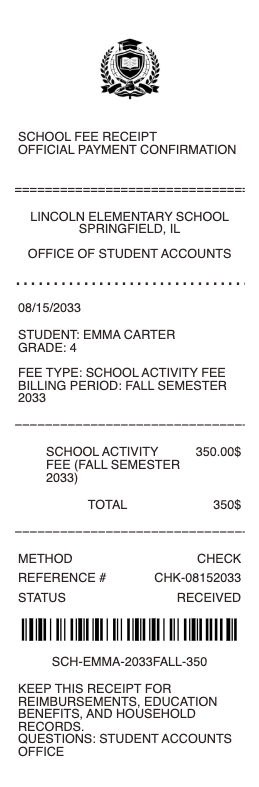
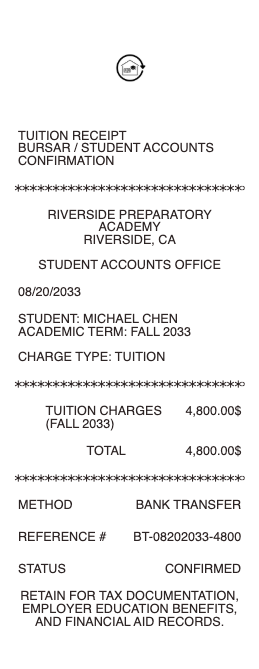
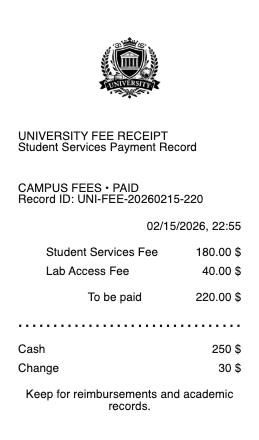
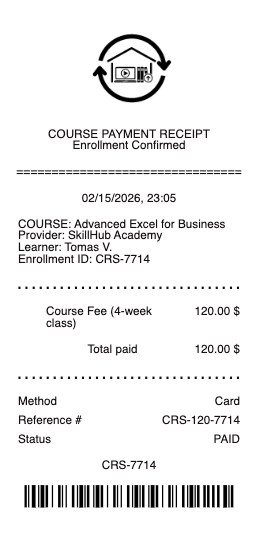
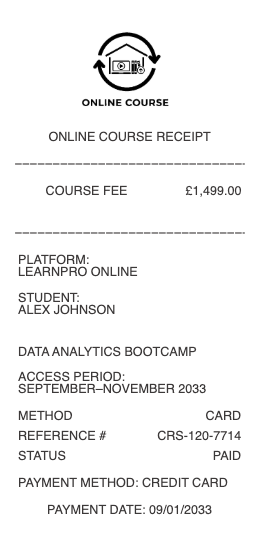
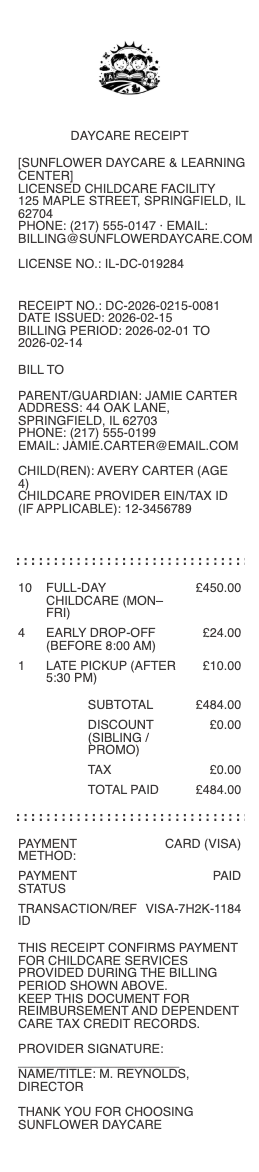
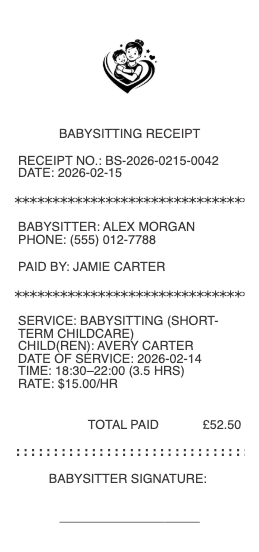
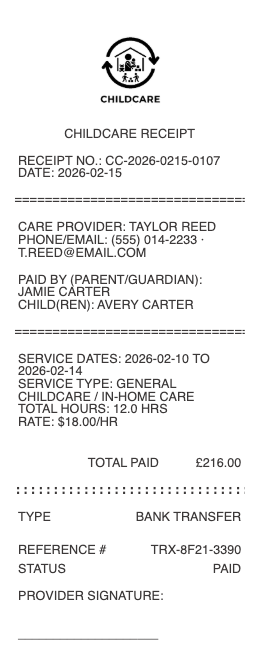
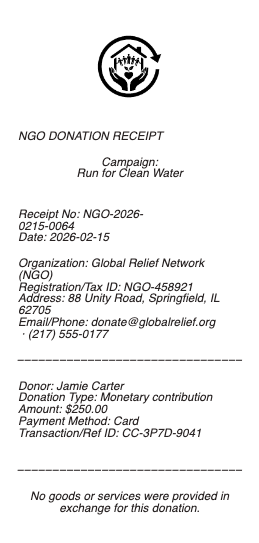
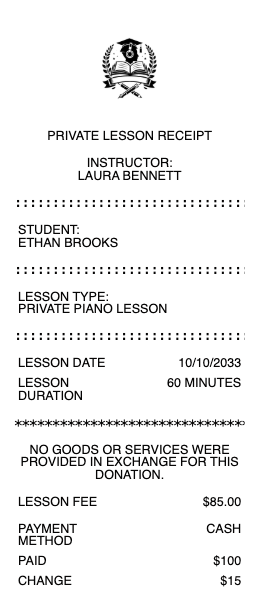
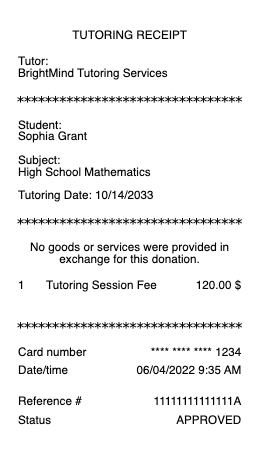
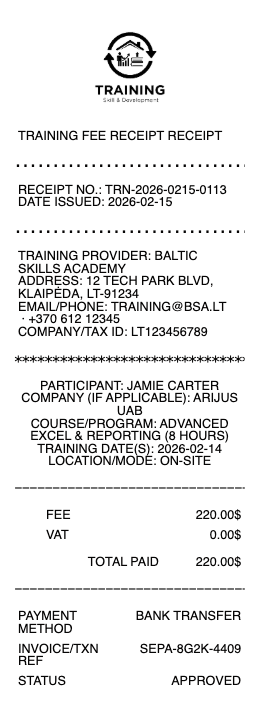
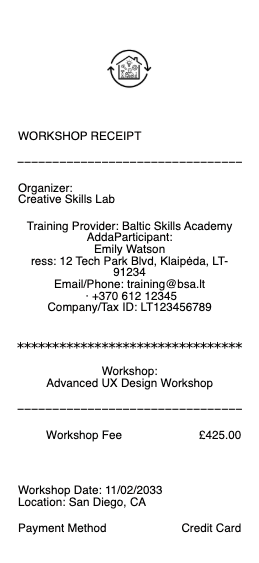
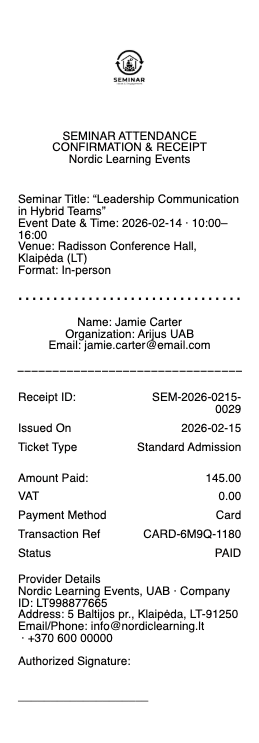
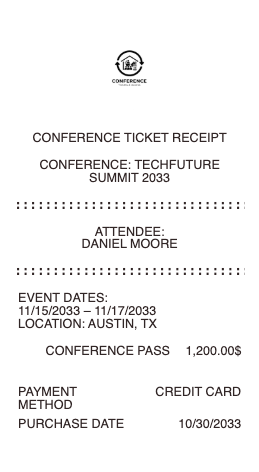
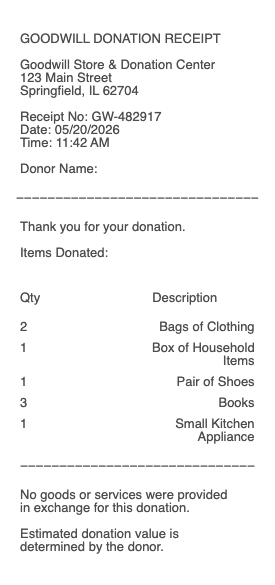
A childcare, daycare, babysitter, tutoring, or donation receipt is the document that turns paid care or a charitable contribution into a deductible, reimbursable, or audit-defensible record. Daycare centers, in-home babysitters, nannies, after-school programs, summer camps, music teachers, tutors, places of worship, and 501(c)(3) charities all need a clean way to issue receipts to families and donors. Any Receipt Generator gives childcare providers, educators, and nonprofit organizers a free template they can issue in under a minute and download as a PNG or JPG image.
A note on legitimate use. This template is for childcare providers, tutors, education programs, and qualifying charitable organizations issuing receipts to families and donors for care that was actually provided or contributions that were actually received. Producing a receipt for childcare that did not occur, inflating the amount, or fabricating documentation to claim the IRS Child and Dependent Care Tax Credit (Form 2441), a Dependent Care FSA reimbursement, a charitable deduction (IRS Pub 526), or any third-party qualification is fraud and is not what this tool is for.
Who needs a childcare, education, or donation receipt
• Licensed daycare centers, preschools, and in-home daycares issuing receipts to parents at the end of each pay period
• Babysitters and nannies operating as household employees or independent contractors
• After-school programs, summer camps, and youth sports leagues collecting fees from families
• Tutors, music teachers, language coaches, and academic enrichment providers issuing receipts for paid lessons
• Public, private, and parochial schools issuing tuition and fee receipts
• Religious institutions and 501(c)(3) charities issuing tax-deductible donation acknowledgments
• Donors who paid with cash, check, or other non-electronic methods and need a written acknowledgment for IRS substantiation
• Estate executors and trustees documenting bequests and grants to charitable organizations
What to include in a daycare or babysitter receipt (for the Child and Dependent Care Tax Credit)
For parents claiming the Child and Dependent Care Tax Credit on IRS Form 2441, the IRS requires specific information from the care provider. The receipt must show:
• Care provider’s name (legal name or business name)
• Care provider’s address
• Care provider’s taxpayer identification number — EIN for centers, SSN for individual babysitters or nannies, or "Tax-Exempt" for qualifying organizations
• Parent or guardian’s name and address
• Child’s name (or names, if multiple)
• Period of care covered (e.g. April 1–30, 2026)
• Number of days or hours of care
• Hourly or daily rate
• Total amount paid
• Payment method (cash, check #, Zelle, Venmo, payroll)
• Date the payment was received
• Care provider’s signature
For Dependent Care FSA reimbursement, the same receipt format is generally accepted, plus the dates of service must fall within the plan year being claimed.
What to include in a charitable donation receipt
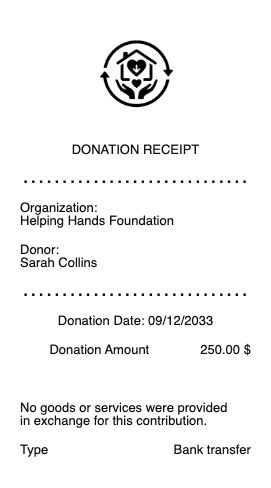
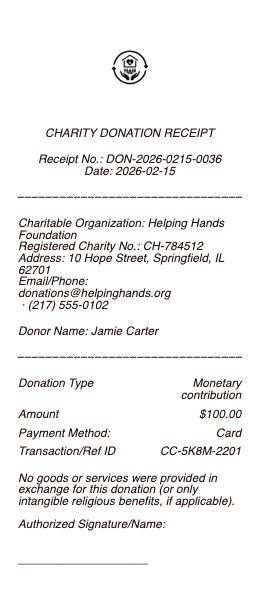
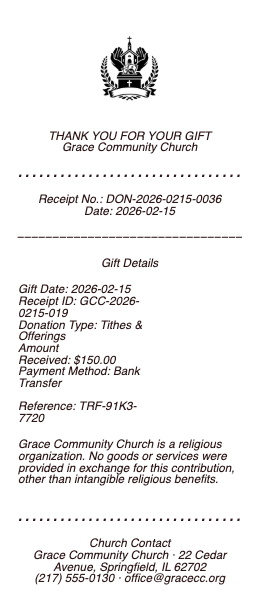
For donations of $250 or more, the IRS requires a written acknowledgment that meets specific requirements under IRS Publication 526. The acknowledgment must show:
• Charity’s legal name and address
• Charity’s 501(c)(3) determination status (or equivalent — religious, governmental, etc.)
• Charity’s EIN
• Donor’s name
• Date of contribution
• Amount of cash contribution, or a description (not a value) of any non-cash contribution
• A statement of whether any goods or services were provided in exchange (a "quid pro quo" disclosure)
• If goods or services were provided, a good-faith estimate of their value
• Signature of an authorized representative
For non-cash donations of $500 or more, the donor also files IRS Form 8283 with their tax return. The receipt should reference the form by name and include the date of contribution.
How to fill out a childcare or donation receipt
1. Open the daycare receipt generator, the babysitter receipt generator, or the donation receipt generator depending on your use case
2. Enter your provider or organization name, address, and tax ID (EIN or SSN)
3. Add the parent’s or donor’s name and address
4. For childcare: list child name, period covered, days/hours, rate. For donations: list amount and quid pro quo disclosure if any
5. Confirm the total and payment method
6. Sign as the provider or organization representative
7. Click Download to export as PNG or JPG
8. Send a copy to the family or donor; keep a copy for your records
The Child and Dependent Care Tax Credit
For 2026, the Child and Dependent Care Credit lets parents claim up to 35% of qualifying childcare expenses, with caps:
• $3,000 in expenses for one qualifying child or dependent
• $6,000 in expenses for two or more qualifying children or dependents
• Phases down by income — 35% credit for AGI up to $15,000, then drops to a 20% floor at AGI above $43,000
• Both parents must have earned income (or be students or disabled)
• The child must be under 13 at the time of care
To claim the credit, parents file Form 2441 with their Form 1040 and report the care provider’s name, address, and tax ID. Without that information from the receipt, the credit cannot be claimed. See IRS Publication 503 for the full rules.
Dependent Care FSA reimbursement
A Dependent Care FSA (DCFSA) is an employer-sponsored benefit that lets parents set aside up to $5,000 per household per year in pre-tax dollars for childcare. To get reimbursed, parents submit receipts to the FSA administrator (HealthEquity, WageWorks, Optum, etc.) showing:
• Dates of service (must be in the plan year)
• Provider name, address, and tax ID
• Child’s name and age
• Total amount paid
• Payment date
Payments to a babysitter who is your spouse, your child under 19, or another tax-dependent are not eligible. Camp expenses qualify, but only day camp — overnight camp does not. Save every receipt: FSA administrators routinely audit submissions.
Charitable donation tax deduction
Donations to qualifying 501(c)(3) charities are tax-deductible if you itemize on Schedule A. Key thresholds:
• Under $250 — bank record (cancelled check or card statement) is sufficient. Receipt is best practice but not strictly required by the IRS.
• $250 or more — written acknowledgment from the charity is required, with the contents listed above
• $500 or more in non-cash donations — donor must also file Form 8283 with their tax return
• $5,000 or more in non-cash donations — donor needs a qualified appraisal in addition to Form 8283
The charity must be a qualified organization under Section 170(c). Look up status at the IRS Tax Exempt Organization Search before donating large amounts.
Receipt vs acknowledgment vs pledge
• Receipt — confirms a payment was received. Used for childcare, tuition, and most paid services.
• Charitable acknowledgment — a specific IRS-mandated document for donations of $250 or more, with the quid pro quo statement.
• Pledge — a promise to donate later. Not deductible until the actual contribution is made and acknowledged.
Recovering a lost receipt
• Daycare and tutor providers usually keep records for years; ask for a duplicate by name, child, and approximate date
• Charitable organizations typically maintain donor databases and can reissue acknowledgments for prior years
• For credit-card donations, the card statement plus a charity confirmation email is generally accepted as a backup
• For payroll-deduction donations to a workplace giving program, the W-2 in box 12 (code Q) plus a year-end pledge confirmation suffices
Download formats
Every childcare and donation receipt exports as PNG or JPG. Both work for upload to FSA administrator portals, attachment to Form 2441 records, email to donors, and personal records.
Generate your childcare or donation receipt now →
See also: Daycare Receipt · Donation Receipt · Tutoring Receipt · Tuition Receipt · Service & Trade Receipts · Freelance & Small Business Receipts
Legal disclaimer
Any Receipt Generator does not validate, certify, or verify the authenticity of any generated document, and does not verify the tax-exempt status of any organization. This tool is provided strictly for legitimate purposes — childcare providers, tutors, education programs, and qualifying charitable organizations issuing receipts to families and donors for care, services, or contributions that were actually provided or received.
The following uses are strictly prohibited: producing a receipt for childcare, tutoring, lessons, or services that did not occur; inflating the amount, hours, or duration; fabricating a charitable donation receipt for a contribution that was not made; representing an organization as 501(c)(3) tax-exempt without valid IRS determination; using a fabricated receipt to claim the IRS Child and Dependent Care Tax Credit (Form 2441), a Dependent Care FSA reimbursement, a charitable deduction under Schedule A, an Earned Income Tax Credit, or any third-party qualification; or any use intended to deceive, defraud, or mislead any tax authority, FSA administrator, employer, court, or other third party.
Use of this tool for the creation of fraudulent documentation or to engage in any unlawful activity is strictly prohibited and may constitute wire fraud, mail fraud, tax fraud, charitable solicitation fraud, or other criminal offenses depending on jurisdiction. Users assume full legal responsibility for the accuracy and intended use of any files they generate.
Federal & state law. Use of this tool to fabricate documentation or otherwise commit fraud may constitute violations of US federal law, including wire fraud (18 U.S.C.
1343), mail fraud (18 U.S.C.
1341), false statements to federal agencies (18 U.S.C.
1001), tax fraud (26 U.S.C.
7206), charitable solicitation fraud, and parallel state and foreign criminal statutes. Penalties include fines up to $250,000 per offense, imprisonment, restitution, and civil liability.
No professional advice. Information provided through this tool is for general informational purposes only and does not constitute legal, tax, accounting, financial, or other professional advice. Consult a qualified tax preparer, attorney, or charitable-tax specialist before relying on any generated document for Form 2441 filing, FSA reimbursement claims, charitable deductions on Schedule A, Form 8283 filing, court proceedings, or any third-party transaction.
"AS IS" service; no warranty. Any Receipt Generator is provided "AS IS" and "AS AVAILABLE" without warranties of any kind, express or implied, including merchantability, fitness for a particular purpose, accuracy, completeness, or non-infringement. We make no representation that any generated document will satisfy the legal, regulatory, or evidentiary requirements of any specific jurisdiction, recipient, FSA administrator, or use case, nor do we verify the tax-exempt status of any organization.
Indemnification. By using this tool, the user agrees to defend, indemnify, and hold harmless Any Receipt Generator and its operators, employees, contractors, and affiliates from and against any and all claims, damages, fines, penalties, losses, costs, and expenses (including reasonable attorneys' fees) arising from or related to the user's use or misuse of the tool, including violation of these terms or applicable law.
Acceptance & Terms. By accessing or using this tool, the user acknowledges having read and agreed to these terms and to our Terms of Service and Privacy Policy. Continued use after any update to these terms constitutes acceptance of the revised terms.
Any Receipt Generator is not affiliated with, endorsed by, or authorized by the IRS, any state tax authority, any FSA or HSA administrator, any childcare regulator, any school district, or any charitable organization. All trademarks, service marks, trade names, and brand references mentioned remain the property of their respective owners and are used only for descriptive reference purposes.