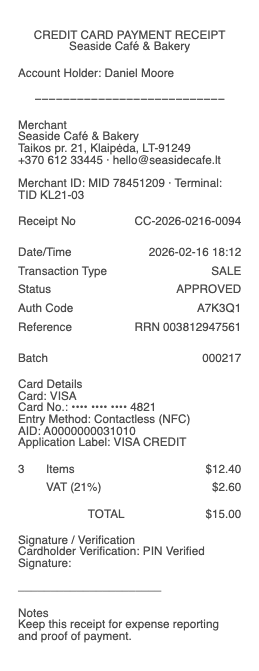
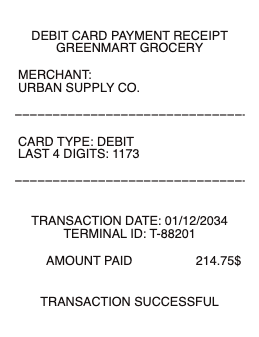
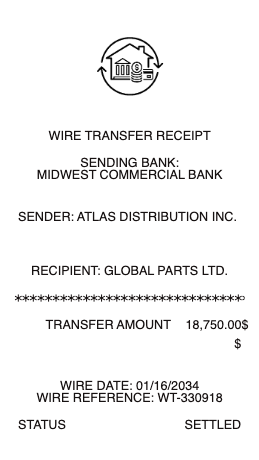
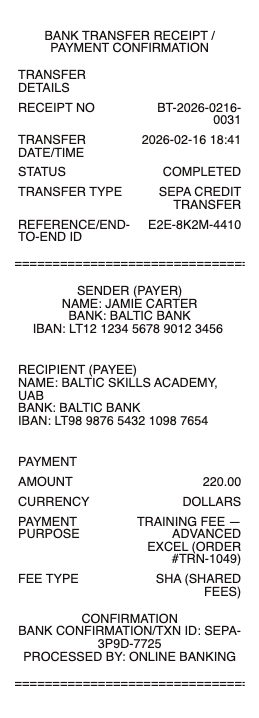
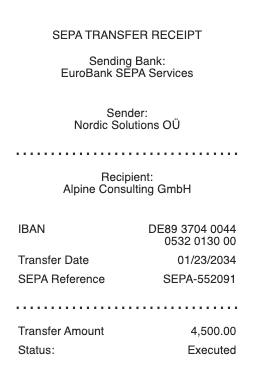
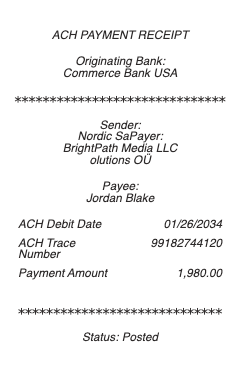
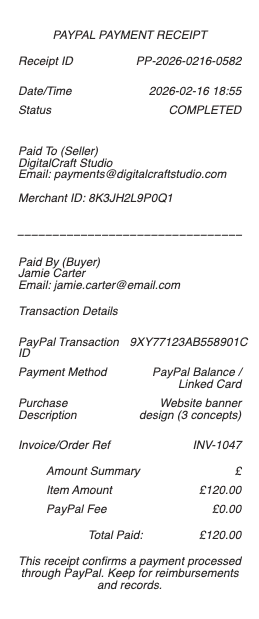
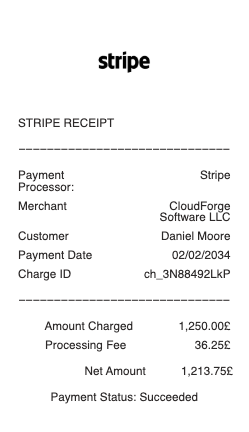
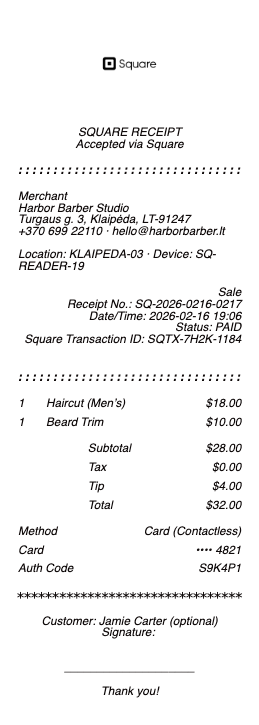
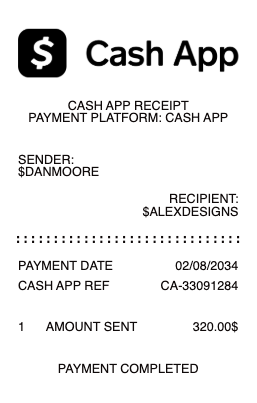
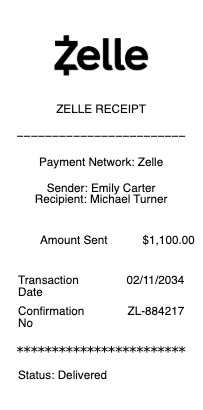
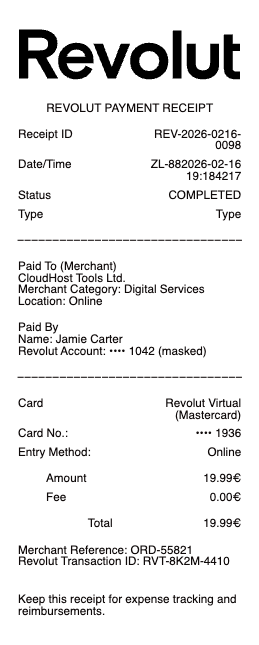
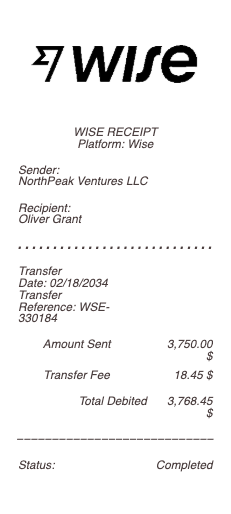
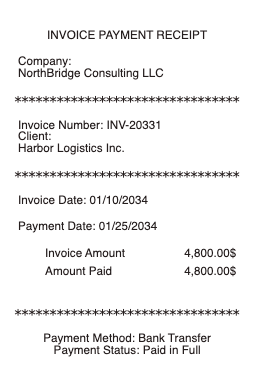
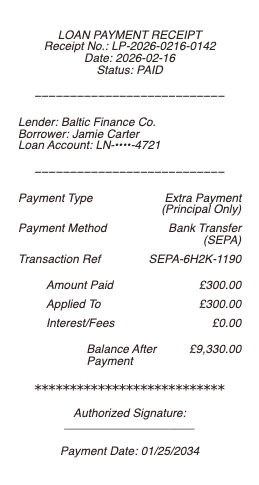
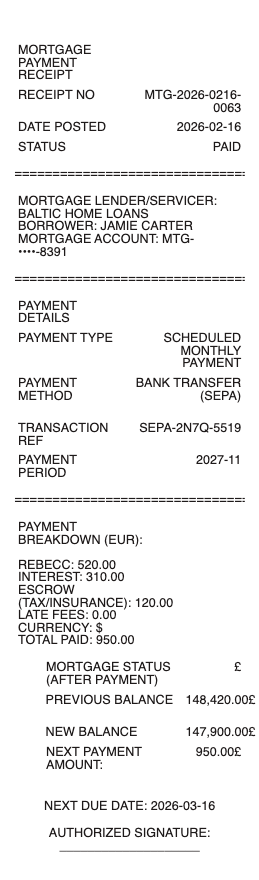
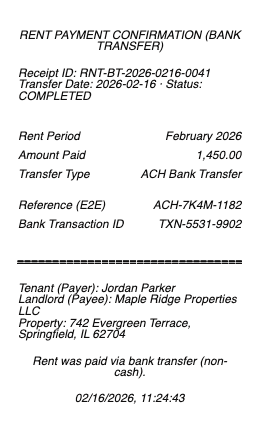
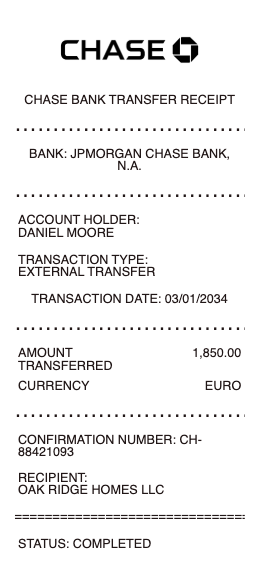
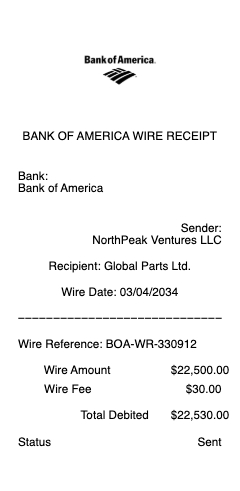
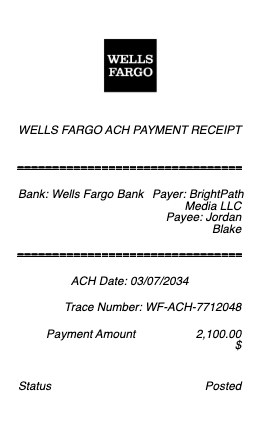
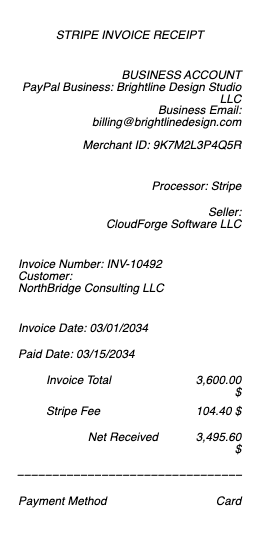
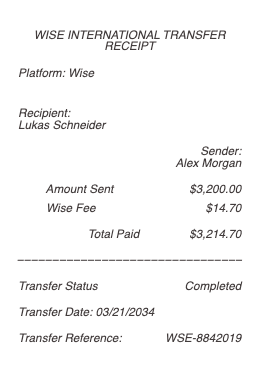
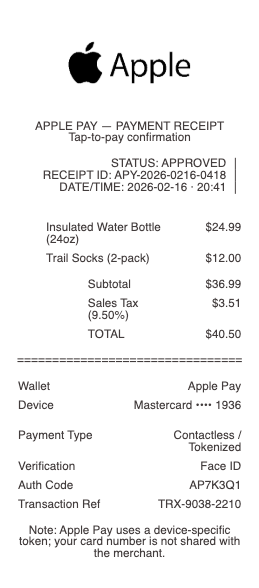
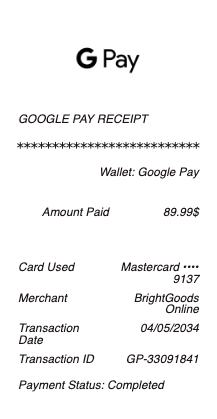
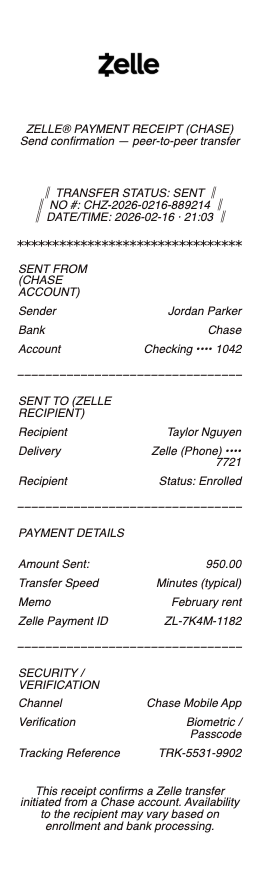
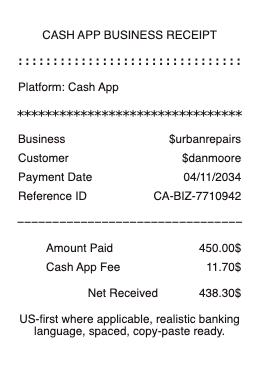
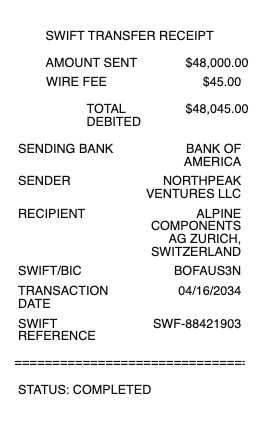
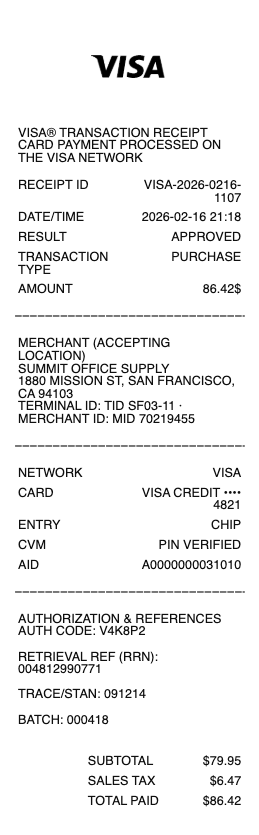
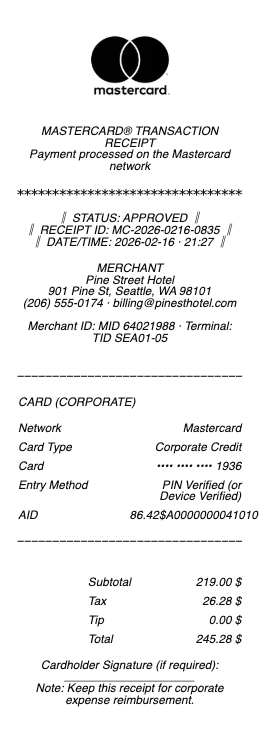
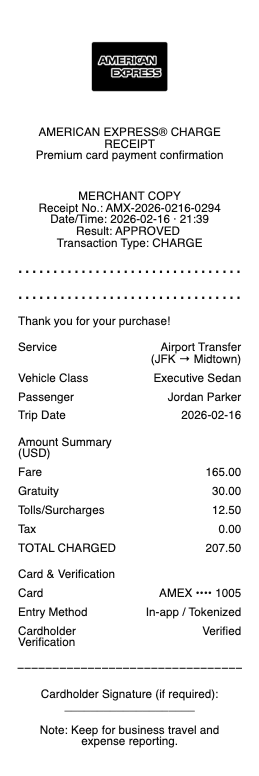
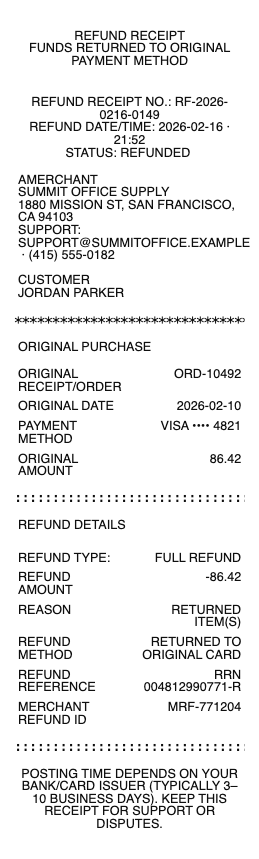
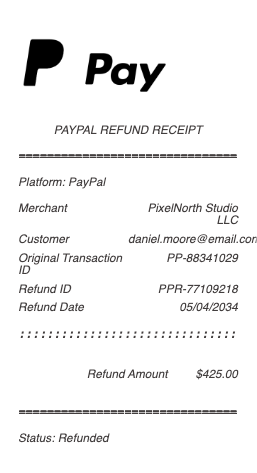
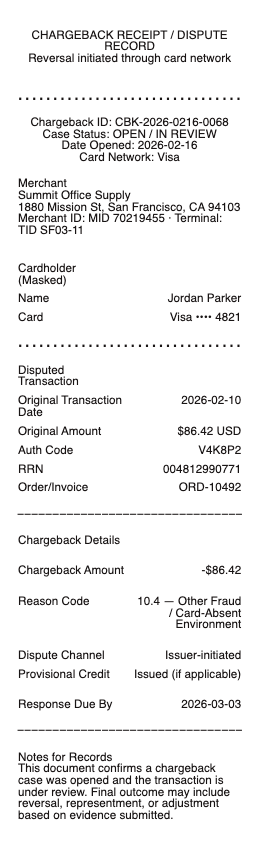
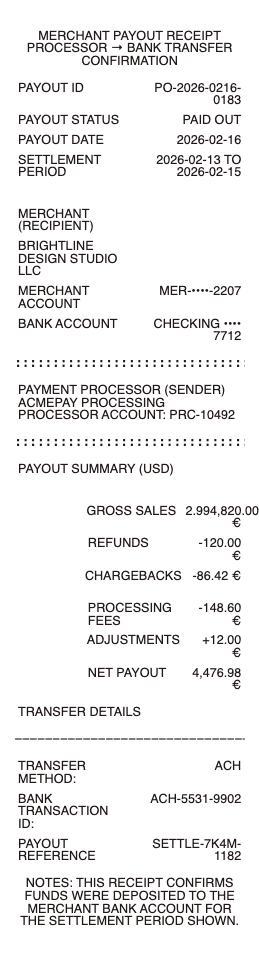
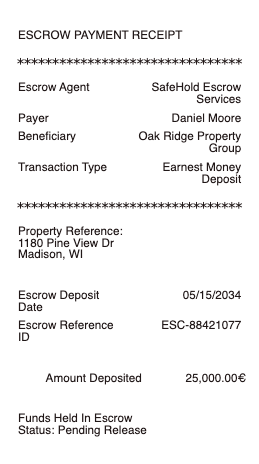
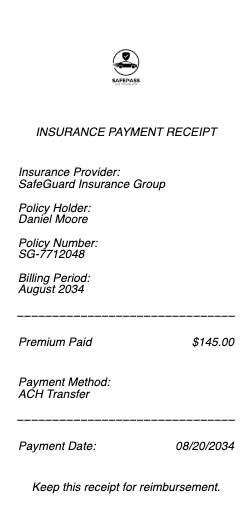
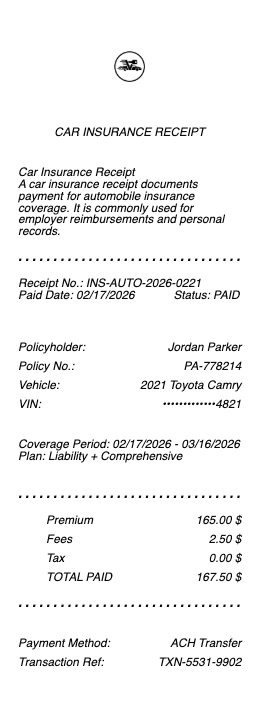
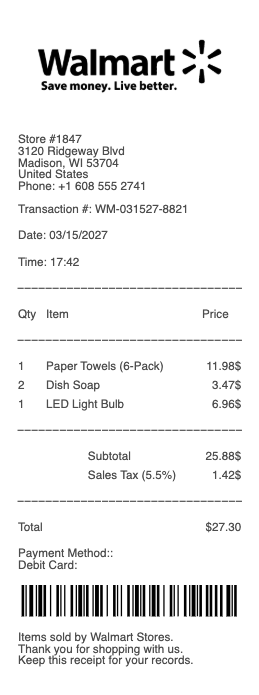
A finance and banking receipt is the document that records a digital payment between two parties — Venmo, Zelle, PayPal, Cash App, Apple Pay, Google Pay, a bank wire transfer, an ACH transfer, or any other peer-to-peer or business payment platform. Any Receipt Generator publishes free templates that match the format used by each major platform, ready to fill in and download as a PNG or JPG image for personal records, expense documentation, and small-business bookkeeping.
A note on legitimate use. This template is for individuals and small businesses documenting payments that were actually sent or received through Venmo, Zelle, PayPal, Cash App, or another platform — when the original confirmation email or in-app screenshot is lost or unavailable. Producing a receipt for a payment that was not made, inflating the amount, or fabricating documentation to support a refund claim, chargeback dispute, IRS Form 1099-K filing, business expense report, loan application, or any third-party qualification is fraud and is not what this tool is for. Every Venmo, Zelle, PayPal, and Cash App transaction is logged on the platform's servers and can be cross-referenced — fabricated receipts are detected and prosecuted.
Who needs a finance or banking receipt
• Freelancers and small-business owners reconstructing a record of a client payment received via PayPal, Venmo, Zelle, or Cash App when the original notification was deleted
• Friends and family members documenting a peer-to-peer Zelle, Venmo, or Cash App payment for a private agreement (rent split, shared bills, repayment of a loan)
• Sellers on Etsy, Depop, Mercari, OfferUp, or Facebook Marketplace documenting a buyer payment outside the platform escrow
• Renters paying rent via Zelle or Venmo who need a written record alongside the app transaction history
• Buyers in private-party transactions (used cars, furniture, electronics) who need a stamped record of the wire or transfer
• Employers paying contractors via wire or ACH transfer who issue a payment receipt alongside the bank confirmation
• International freelancers receiving payment via Wise, Payoneer, or Revolut who need a record in USD-equivalent for local tax filing
• Anyone whose Venmo, Zelle, PayPal, or Cash App app crashed or whose phone changed before the original email receipt could be saved
What to include in a finance or banking receipt
Each digital payment platform has a slightly different receipt format with platform-specific fields:
Venmo, Zelle, Cash App, Apple Pay, Google Pay (peer-to-peer):
• Sender username or display name
• Recipient username or display name
• Date and time of transfer
• Amount transferred
• Currency (USD by default)
• Note or memo from the sender
• Transaction ID or reference number
• Funding source (bank account, debit card, credit card, balance)
PayPal (Goods & Services or Friends & Family):
• Sender name and PayPal email
• Recipient name and PayPal email
• Transaction ID
• Date and time
• Amount, currency, and conversion rate if cross-currency
• Type — Goods & Services or Friends & Family
• PayPal fee (paid by recipient on G&S; typically zero on F&F unless cross-border)
• Net amount received
• Buyer Protection / Seller Protection eligibility
Bank wire / ACH transfer:
• Sending bank name, address, and routing number
• Receiving bank name, address, and routing number
• Sender account holder name
• Receiver account holder name
• Date of transfer (initiation and settlement)
• Amount and currency
• Reference / wire confirmation number
• Originating fee, intermediary fee, and net amount received
How to fill out a finance receipt
1. Open the Venmo, PayPal, or Cash App receipt generator depending on the platform
2. Enter the sender and recipient names (or usernames)
3. Add the date, time, and amount of the transfer
4. Include the transaction ID or reference number — this is critical for cross-referencing with the platform record
5. Add any notes, memos, or transaction descriptions
6. Confirm the funding source and any platform fees
7. Click Download to export as PNG or JPG
8. Save alongside the original platform notification or bank statement showing the transfer
1099-K reporting and digital payments
The IRS requires payment platforms to issue a Form 1099-K for users above certain reporting thresholds. The rules have shifted significantly in recent years:
• Stripe, Square, PayPal Goods & Services — for the 2026 tax year, the threshold is currently $5,000 in payments to a single recipient. The IRS has signaled lowering the threshold to $2,500 in 2026 and $600 in 2027 (subject to legislative change)
• Venmo, Cash App, Zelle for personal payments — generally not 1099-K reportable. Zelle, in particular, is a bank-to-bank service and the platform itself does not issue 1099-Ks
• Venmo, Cash App for business accounts — Venmo Business and Cash App Business follow the 1099-K thresholds and issue 1099-Ks to recipients above the threshold
• State 1099-K thresholds — many states (Massachusetts, Vermont, Virginia, Maryland, New Jersey, Illinois, Arkansas, North Carolina, Mississippi) have their own lower thresholds, often $600
If you receive a 1099-K, your receipts and own records should reconcile to the total. Mismatches are a common audit trigger.
Wire transfers and FinCEN reporting
Wire transfers above certain thresholds trigger federal reporting under the Bank Secrecy Act:
• Currency Transaction Report (CTR) — banks file with FinCEN for cash deposits or withdrawals over $10,000
• Suspicious Activity Report (SAR) — banks file for any transaction (regardless of amount) they consider suspicious
• FBAR (FinCEN 114) — US persons with foreign bank accounts totaling over $10,000 must file annually
• Structuring — splitting a wire into multiple sub-$10,000 transfers to avoid CTR filing is a federal crime under 31 U.S.C.
5324
Recovering a lost digital payment receipt
• Venmo — open the app → activity → tap the transaction → "Share" → email yourself a fresh receipt
• PayPal — log in to paypal.com → Activity → click the transaction → "Print receipt" or "Email receipt"
• Cash App — open the app → activity tab → tap the transaction → tap the "..." menu → share via email
• Zelle — payment history is in your bank's online portal under "Send Money with Zelle"; export from there
• Wire transfers — your bank can reissue a wire confirmation letter on official letterhead, usually within a few business days of the request
• Apple Pay / Google Pay — receipts are stored in the Wallet app or Google Pay app under transaction history
Download formats
Every finance receipt exports as PNG or JPG. Both work for personal records, attaching to client emails, uploading to bookkeeping software, and providing to your accountant.
Generate your finance receipt now →
See also: PayPal Receipt · Cash App Receipt · Zelle Receipt · Bank Transfer Receipt · Wire Transfer Receipt · Binance Receipt · Stripe Receipt · Google Pay Receipt · Apple Pay Receipt · Cash & Payment Receipts
Legal disclaimer
Any Receipt Generator does not validate, certify, or verify the authenticity of any generated document. This tool is provided strictly for legitimate purposes — individuals and small businesses documenting digital payments that were actually sent or received through Venmo, Zelle, PayPal, Cash App, or another platform.
The following uses are strictly prohibited: producing a receipt for a payment that was not made; inflating the amount of a payment that was made; submitting a fabricated receipt to a bank, payment platform, or financial institution to support a refund or chargeback dispute; submitting a fabricated receipt to a tax authority to support a Schedule C, 1099-K, or business deduction filing; submitting a fabricated receipt to a lender or government agency for a loan, credit, unemployment, or hardship application; structuring transactions to avoid Bank Secrecy Act reporting (31 U.S.C.
5324); or any use intended to deceive, defraud, or mislead any bank, platform, regulator, employer, court, or third party.
Federal & state law. Use of this tool to fabricate documentation or otherwise commit fraud may constitute violations of US federal law, including wire fraud (18 U.S.C.
1343), mail fraud (18 U.S.C.
1341), bank fraud (18 U.S.C.
1344), false statements (18 U.S.C.
1001), money laundering (18 U.S.C.
1956), structuring (31 U.S.C.
5324), tax fraud (26 U.S.C.
7206), and parallel state and foreign criminal statutes. Penalties include fines up to $250,000 per offense, imprisonment, restitution, and civil liability. Banks and payment platforms maintain transaction logs and routinely cooperate with law enforcement on receipt fraud, chargeback fraud, and structuring investigations.
No professional advice. Information provided through this tool is for general informational purposes only and does not constitute legal, tax, accounting, financial, banking, or other professional advice. Consult a qualified professional before relying on any generated document for tax filing, dispute submission, or any third-party transaction.
"AS IS" service; no warranty. Any Receipt Generator is provided "AS IS" and "AS AVAILABLE" without warranties of any kind, express or implied, including merchantability, fitness for a particular purpose, accuracy, completeness, or non-infringement. We make no representation that any generated document will satisfy the legal, regulatory, or evidentiary requirements of any specific jurisdiction, recipient, payment platform, or use case.
Indemnification. By using this tool, the user agrees to defend, indemnify, and hold harmless Any Receipt Generator and its operators, employees, contractors, and affiliates from and against any and all claims, damages, fines, penalties, losses, costs, and expenses (including reasonable attorneys' fees) arising from or related to the user's use or misuse of the tool, including violation of these terms, the Bank Secrecy Act, payment-platform terms of service, or any other applicable law.
Acceptance & Terms. By accessing or using this tool, the user acknowledges having read and agreed to these terms and to our Terms of Service and Privacy Policy. Continued use after any update to these terms constitutes acceptance of the revised terms.
Any Receipt Generator is not affiliated with, endorsed by, or authorized by Venmo, PayPal, Zelle, Cash App, Block (Square), Stripe, Apple, Google, Binance, Wise, Payoneer, Revolut, any bank, financial institution, payment processor, or money-services business. All trademarks, service marks, trade names, and brand references mentioned remain the property of their respective owners and are used only for descriptive reference purposes under the doctrine of nominative fair use.