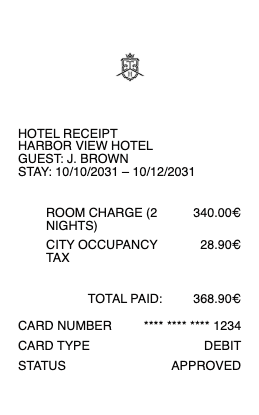
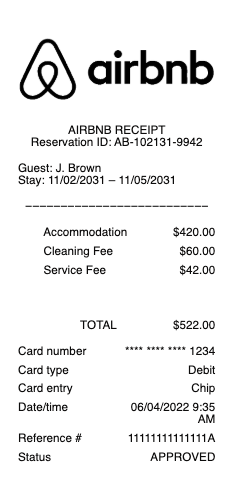
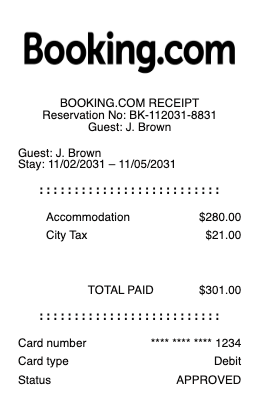
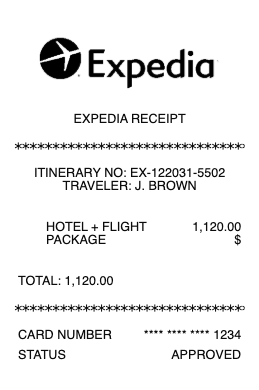
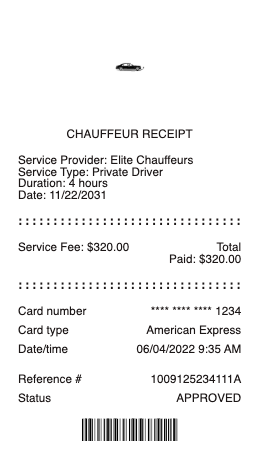
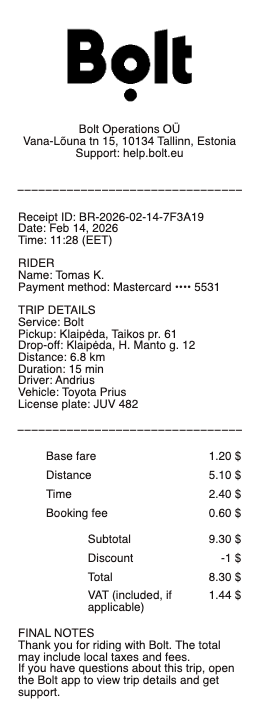
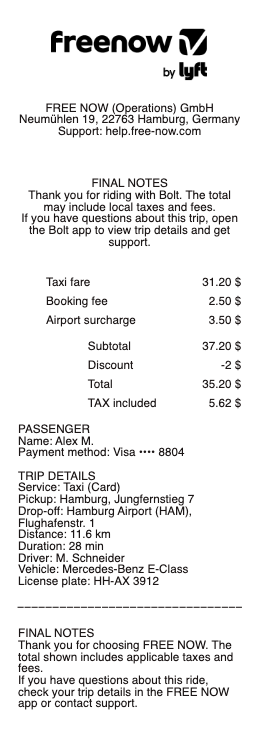
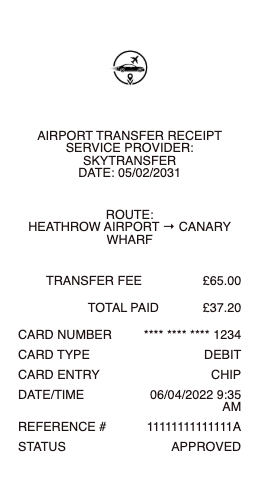
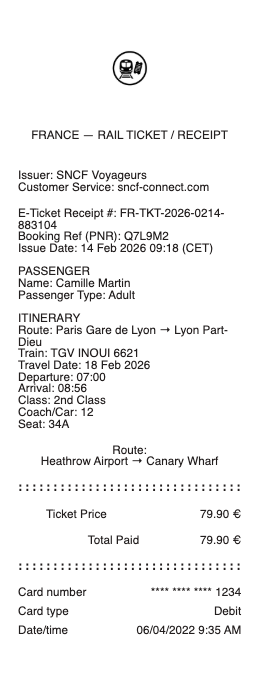
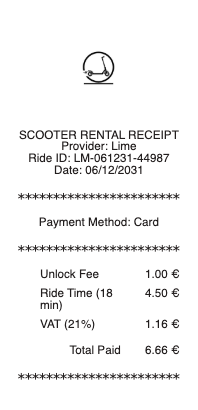
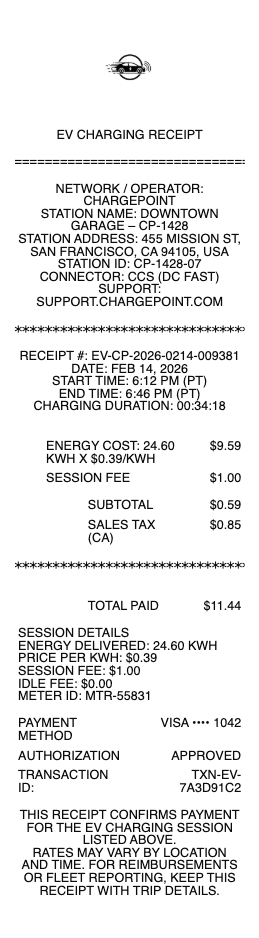
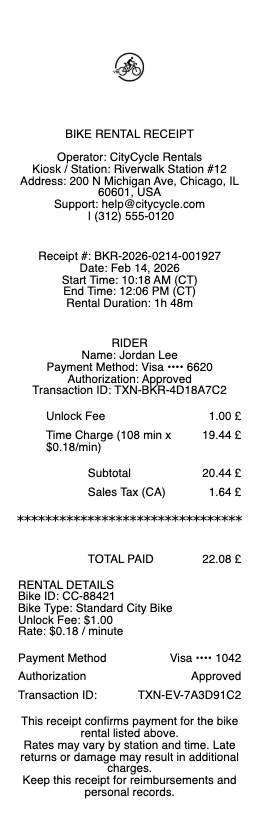
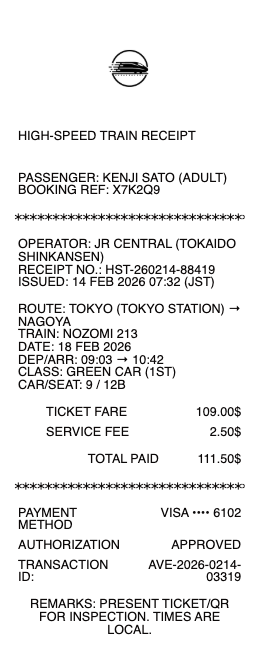
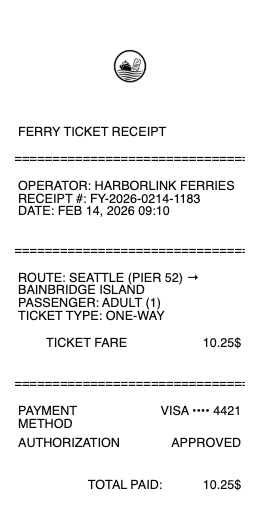
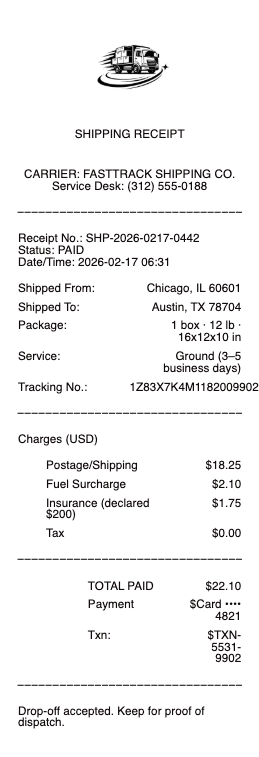
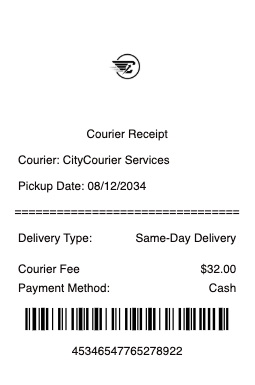
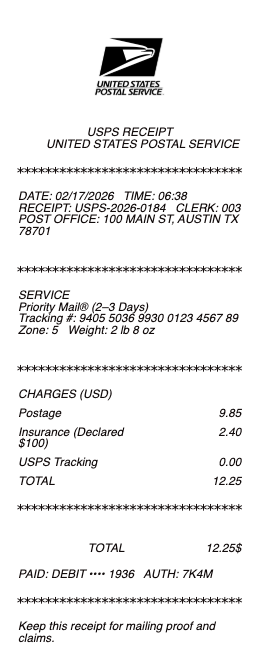
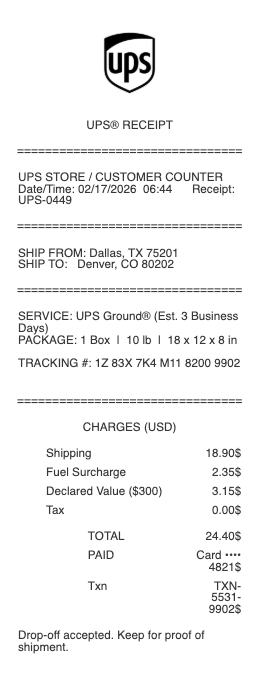
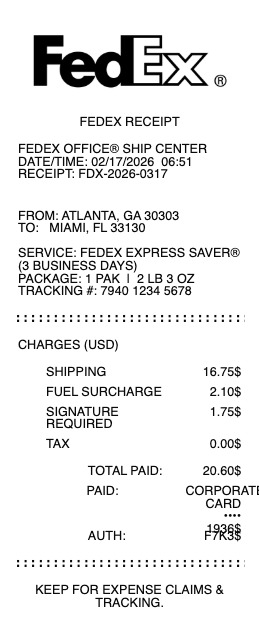
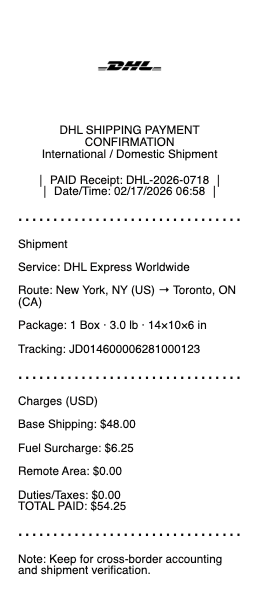
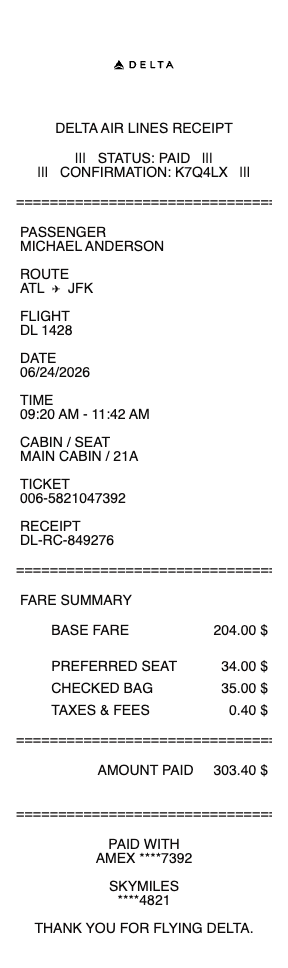


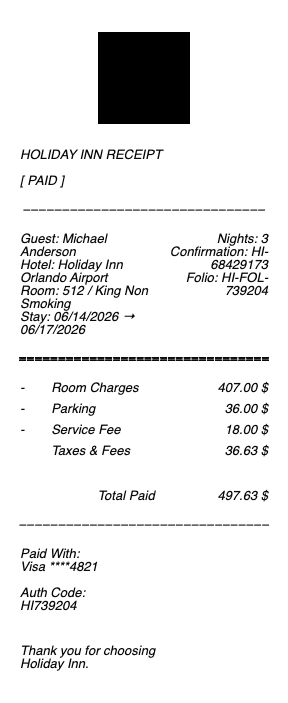
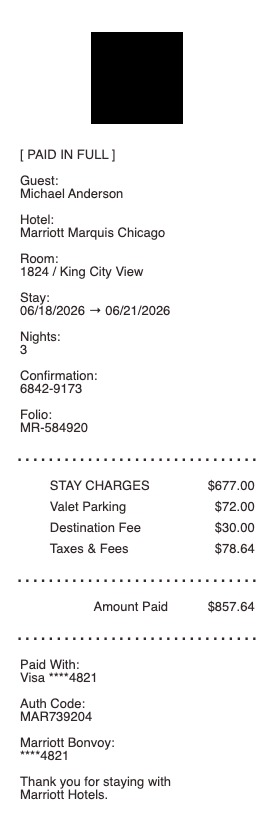
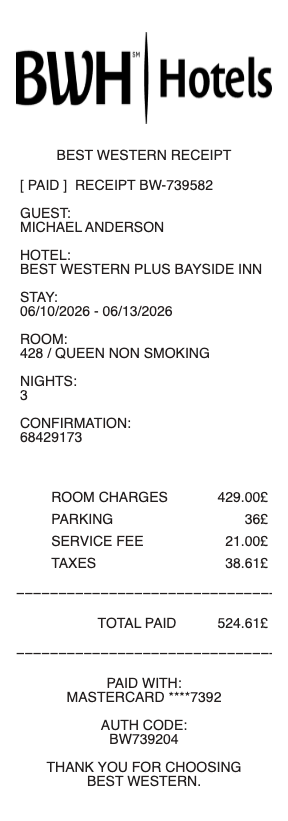
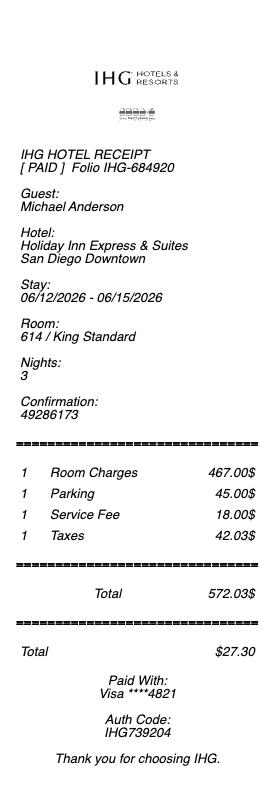

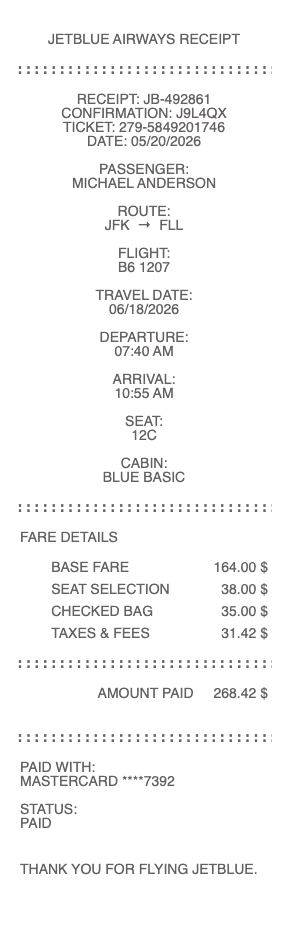
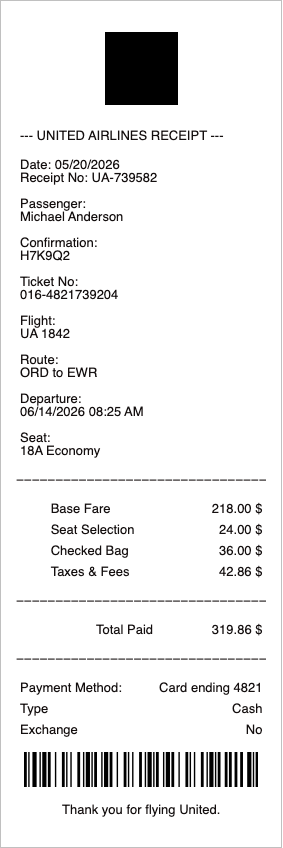
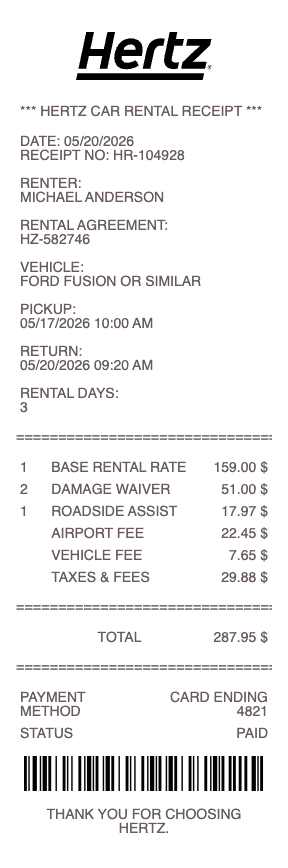

A travel or transport receipt is the slip of paper — or, more often these days, the digital screenshot — that proves a trip happened. Taxi, Uber, Lyft, gas station, parking lot, airport parking, car rental, toll road, bus, train, subway. Every one of them lives or dies on a corporate expense system, an IRS audit, a per-diem reconciliation, or a self-employed Schedule C. Any Receipt Generator gives you a free template for every common transport receipt, ready to fill in and download as an image.
A note on legitimate use. This template is for transport operators issuing receipts to their customers, and for travelers reconstructing a record of trips they actually paid for. Producing a receipt for a trip that did not occur, inflating mileage or fare, or fabricating documentation to support an expense report, per diem reimbursement, or a tax deduction is fraud and is not what this tool is for.
Who needs a travel or transport receipt
• Business travelers filing expense reports for client visits, conferences, or training trips
• Self-employed drivers, gig workers, and consultants deducting transportation under Schedule C
• Sales reps documenting client-visit mileage and parking
• Federal contractors and employees on per diem who still need receipts for transport over the $75 threshold
• Anyone whose Uber app crashed before the email receipt arrived
• Drivers who pumped gas at a station whose printer was out of paper
• Travelers who parked at an airport lot that gave only a barcoded ticket — no itemized receipt
• Insurance claimants documenting transport during a covered event
• Renters and movers keeping a record of moving truck, hotel shuttle, or rideshare costs during a relocation
What to include in a travel or transport receipt
Different transport receipts share a core structure but each has fields the others don’t. The Any Receipt Generator templates ship with the right layout for each.
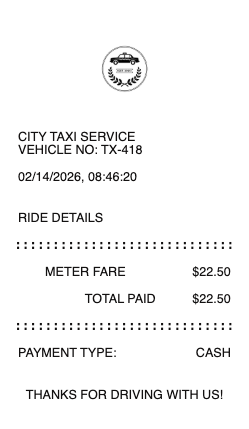
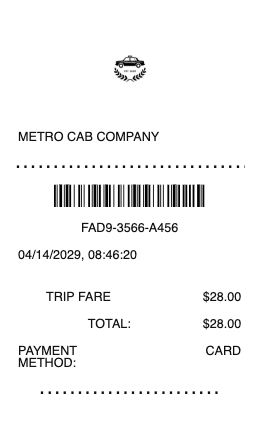
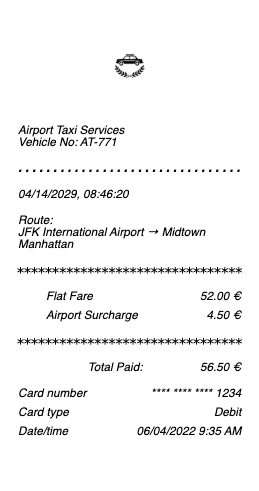
Taxi or cab receipt:
• Taxi company name and phone number
• Cab or medallion number
• Driver name or driver ID
• Date and time of the trip
• Pickup and drop-off addresses
• Total miles or kilometers
• Fare (metered base)
• Surcharges (airport fee, late-night, tolls, baggage)
• Tip
• Total
• Payment method
• Trip / receipt number
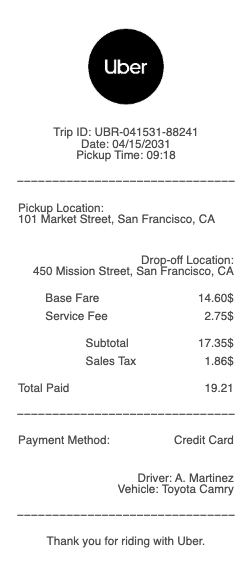
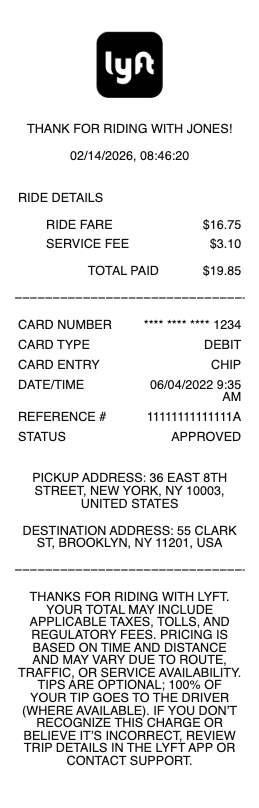
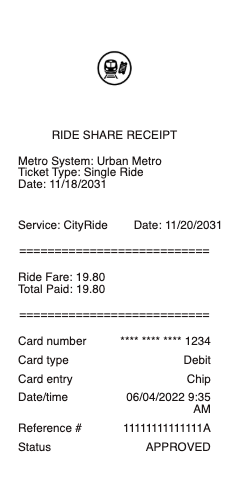
Uber, Lyft, or rideshare receipt:
• Rideshare brand (Uber, Lyft, Bolt)
• Trip ID
• Date, start time, and end time
• Pickup and drop-off addresses
• Distance and ride duration
• Base fare, booking fee, service fee, tolls
• Promotion or discount applied
• Tip
• Total
• Payment method (last 4 digits)
• Driver first name and vehicle (make / model / plate)
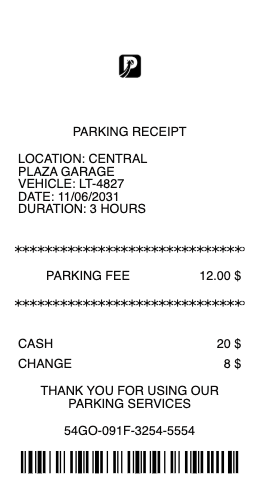
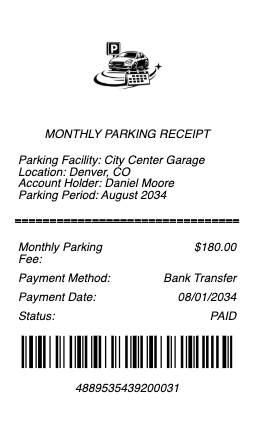
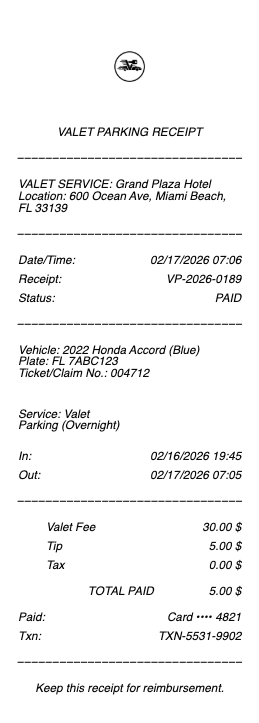
Parking receipt:
• Parking facility name and address
• Entry date and time
• Exit date and time
• Total duration parked
• Hourly or daily rate
• Validation discount, if any
• Sales tax (parking is taxed differently in many cities — NYC charges 18.375%)
• Total
• Payment method
• Spot or ticket number
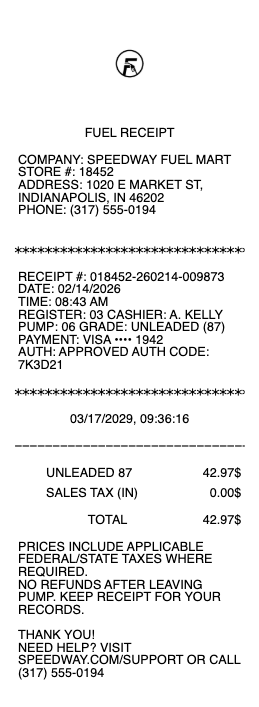
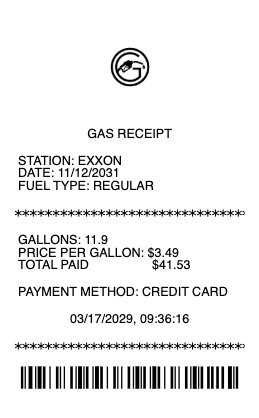
Gas station receipt:
• Station brand and street address
• Pump number
• Date and time
• Fuel grade (regular, mid, premium, diesel)
• Gallons or liters dispensed
• Price per gallon
• Subtotal, federal and state fuel tax
• Total
• Payment method (last 4 digits)
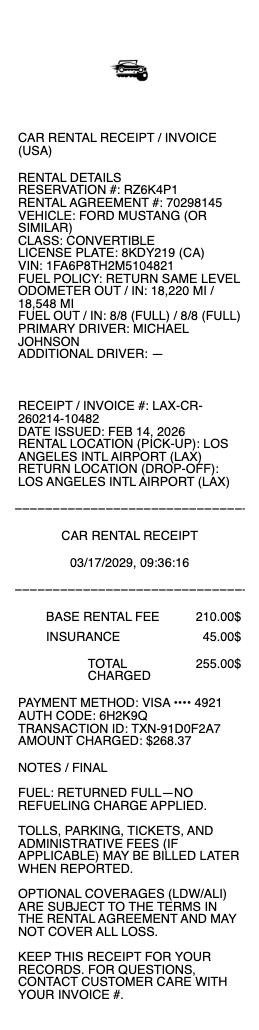
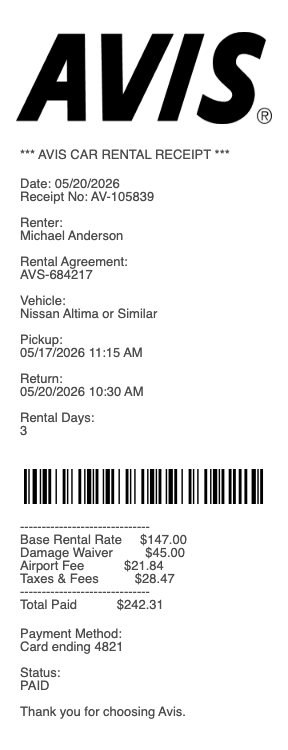
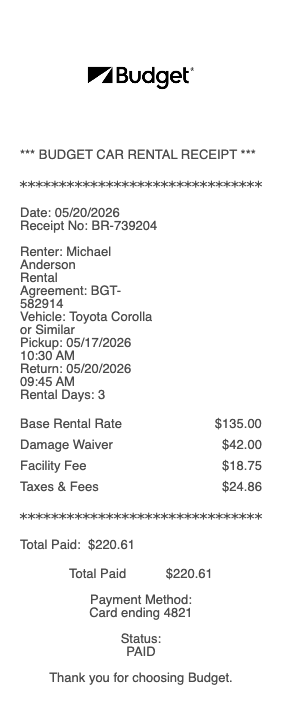
Car rental receipt (Hertz, Enterprise, Budget, National, Avis):
• Rental company and pickup location
• Rental agreement / contract number
• Pickup date / time and return date / time
• Vehicle class (compact, SUV, etc.) and license plate
• Daily rate × number of days
• Mileage charges (if over plan)
• Insurance, fuel, GPS, child seat add-ons
• Local taxes and concession fees
• Total
• Payment method
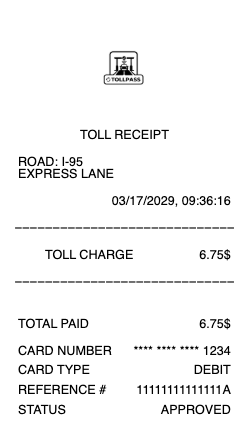
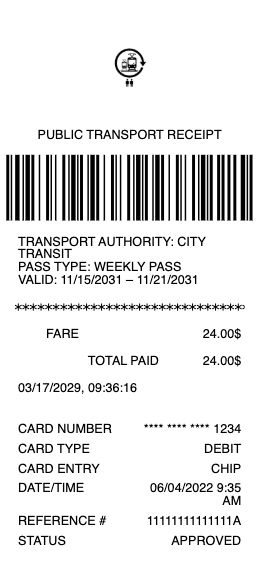
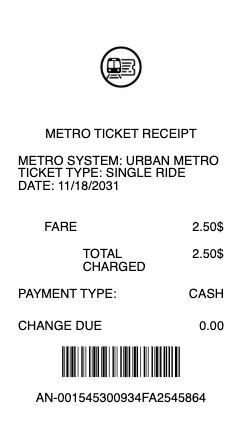
Toll road receipt (SunPass, EZ-Pass, FasTrak):
• Tolling authority
• Date and time of crossing
• Plaza or gantry name
• Vehicle plate and class
• Toll amount
• Account number (for transponder users)
How to fill out a travel or transport receipt
1. Open the transport receipt generator and pick the layout that matches what you need (taxi, rideshare, parking, gas, car rental, or toll)
2. Enter the provider name and full address
3. Fill in the date, time, pickup, and drop-off (or duration parked, gallons pumped, days rented)
4. Add the base fare, distance, surcharges, taxes, and tip
5. Confirm the calculated total
6. Add the payment method (card last 4 digits or "cash")
7. Enter a trip or receipt number — for rideshares this matches the app’s trip ID
8. Click Download to export the receipt as a PNG or JPG image
Travel receipts and the IRS
Transport expenses are governed by IRS Publication 463 and Section 274(d) of the Internal Revenue Code. The rules are stricter than most expense documentation:
• $75 substantiation threshold — receipts are required for any single transport expense of $75 or more (a long taxi ride, a tank of gas on a road trip, a multi-day rental)
• Five required fields — every business transport receipt must show amount, time, place, business purpose, and business relationship (per 274(d))
• Standard mileage rate — for 2026, the IRS standard mileage rate is 67 cents per business mile (subject to year-end revision). Self-employed drivers can deduct the standard rate or actual expenses (gas, oil changes, depreciation), but not both
• Mileage log requirement — if you take the standard rate, you still need a contemporaneous mileage log: date, miles, business purpose, and odometer readings. Receipts alone aren’t enough
• Commuting is not deductible — the trip from home to your regular workplace is personal, not business, even if you’re self-employed
• Per diem alternative — federal travelers using the GSA per diem rate for transportation don’t need individual receipts under $75, but must keep itineraries
Keep travel receipts for three years after filing — seven if you want full audit protection.
Standard mileage rate vs actual expenses
This is the most-asked travel-deduction question:
• Standard mileage rate — 67¢ per business mile (2026). Simpler. No need to track gas, maintenance, insurance, or depreciation. You only need a mileage log and proof you owned or leased the vehicle.
• Actual expenses — track every gas receipt, oil change, repair, insurance premium, and registration fee. Calculate business-use percentage. More work, sometimes higher deduction (for a luxury or thirsty vehicle).
You must pick one method in the first year the vehicle is used for business. If you start with actual expenses, you generally can’t switch to standard mileage in later years for that vehicle.
Lost rideshare or app receipt? How to recover it
Uber, Lyft, Bolt, Curb, and most ride apps email a receipt automatically — but they also archive every trip in your account. To pull a missing receipt:
1. Uber: open the app → Activity → tap the ride → Receipt → "Resend receipt"
2. Lyft: open the app → Ride history → tap the ride → "Send receipt"
3. Most credit card statements show "UBER *TRIP" with the date and amount — useful as a backup if the app receipt is gone
If the trip was on someone else’s account (a friend ordered the Uber for the table), they can forward you the email receipt directly.
Transport receipt vs mileage log vs expense report
Three documents people confuse, all serving different roles:
• Transport receipt — proof of one specific transport expense (one ride, one tank, one parking session)
• Mileage log — running record of business miles driven in your own vehicle, with date and purpose. Required if you claim the standard mileage rate
• Expense report — the document you submit to your employer, accountant, or tax preparer that bundles receipts and mileage entries together
You usually need the receipt and the log for self-employed work; an expense report bundles them for an employer.
Special cases worth knowing
• Thermal-paper gas receipts fade — photograph or scan immediately; many fade unreadable within 6 months
• Airport parking lots that issue only a barcoded entry ticket are a common audit blocker; ask the cashier for an itemized receipt at exit, every time
• EZ-Pass / SunPass / FasTrak toll transponders auto-bill and don’t print paper. Download the monthly account statement instead — the IRS accepts it
• Mileage reimbursement at the federal rate is non-taxable income to an employee, but only if a contemporaneous mileage log exists
Download formats
Every transport receipt exports as PNG or JPG. Both work for upload to corporate expense apps (Concur, Expensify, Ramp, Brex), email attachments, and mobile uploads to housing portals or insurance claims.
Generate your transport receipt now →
See also: Uber Receipt · Lyft Receipt · Taxi Receipt · Parking Receipt · Tow Truck Receipt · Automotive & Repair Receipts
Legal disclaimer
Any Receipt Generator does not validate, certify, or verify the authenticity of any generated document. This tool is provided strictly for legitimate purposes — transport operators issuing receipts to their customers, and travelers reconstructing a record of trips they actually paid for.
The following uses are strictly prohibited: producing a receipt for a trip, ride, parking session, fuel purchase, rental, or toll that did not occur; inflating fare, mileage, gallons, days rented, or any other quantity; submitting a fabricated receipt to a corporate expense system (Concur, Expensify, Ramp, Brex, or any equivalent); using a fabricated receipt to claim a tax deduction, per diem reimbursement, or insurance reimbursement that does not reflect actual expenditure; or any use intended to deceive, defraud, or mislead any employer, client, accountant, tax authority, or other third party.
Use of this tool for the creation of fraudulent documentation or to engage in any unlawful activity is strictly prohibited and may constitute wire fraud, mail fraud, tax fraud, expense report fraud, insurance fraud, or other criminal offenses depending on jurisdiction. Users assume full legal responsibility for the accuracy and intended use of any files they generate.
Federal & state law. Use of this tool to fabricate documentation or otherwise commit fraud may constitute violations of US federal law, including wire fraud (18 U.S.C.
1343), mail fraud (18 U.S.C.
1341), bank fraud (18 U.S.C.
1344), false statements to federal agencies (18 U.S.C.
1001), tax fraud (26 U.S.C.
7206), and parallel state and foreign criminal statutes. Penalties include fines up to $250,000 per offense, imprisonment, restitution, and civil liability.
No professional advice. Information provided through this tool is for general informational purposes only and does not constitute legal, tax, accounting, financial, medical, insurance, or other professional advice. Consult a qualified professional before relying on any generated document for tax filing, claim submission, court proceedings, or any third-party transaction.
"AS IS" service; no warranty. Any Receipt Generator is provided "AS IS" and "AS AVAILABLE" without warranties of any kind, express or implied, including merchantability, fitness for a particular purpose, accuracy, completeness, or non-infringement. We make no representation that any generated document will satisfy the legal, regulatory, or evidentiary requirements of any specific jurisdiction, recipient, or use case.
Indemnification. By using this tool, the user agrees to defend, indemnify, and hold harmless Any Receipt Generator and its operators, employees, contractors, and affiliates from and against any and all claims, damages, fines, penalties, losses, costs, and expenses (including reasonable attorneys' fees) arising from or related to the user's use or misuse of the tool, including violation of these terms or applicable law.
Acceptance & Terms. By accessing or using this tool, the user acknowledges having read and agreed to these terms and to our Terms of Service and Privacy Policy. Continued use after any update to these terms constitutes acceptance of the revised terms.
Any Receipt Generator is not affiliated with, endorsed by, or authorized by any rideshare company, taxi commission, parking operator, fuel retailer, car rental brand, tolling authority, or expense management platform. All trademarks, service marks, trade names, and brand references mentioned remain the property of their respective owners and are used only for descriptive reference purposes.