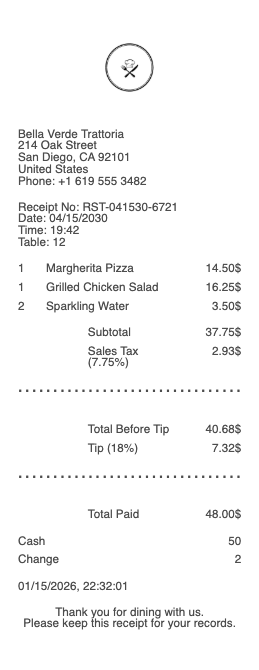
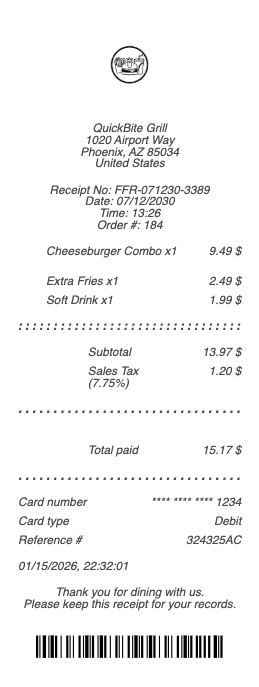
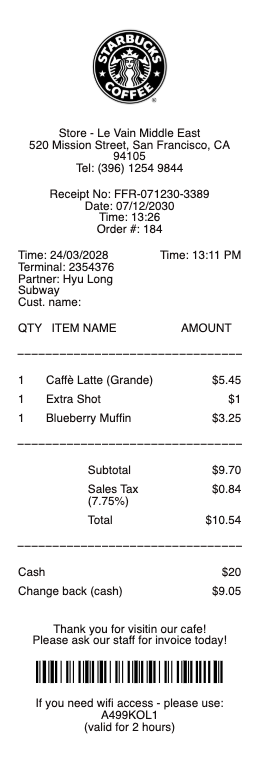
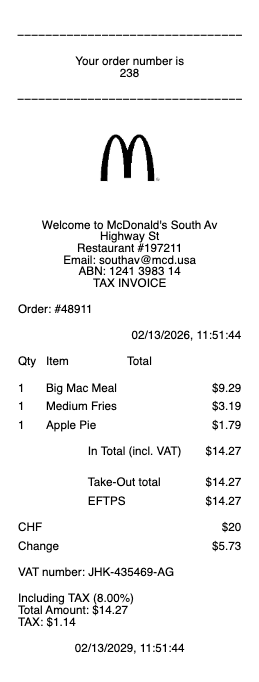
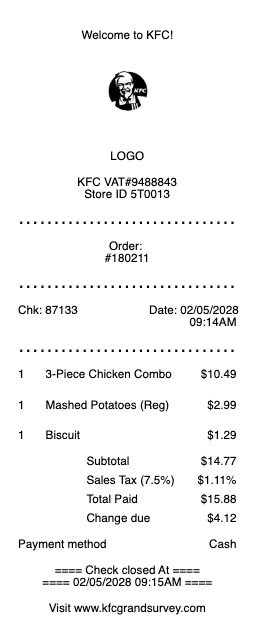
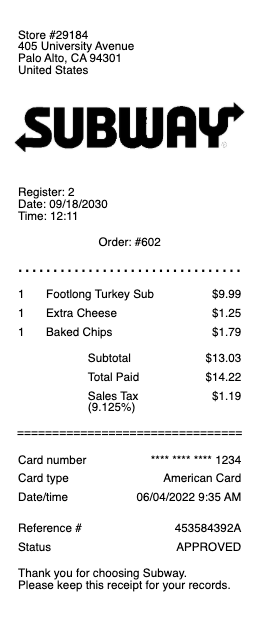
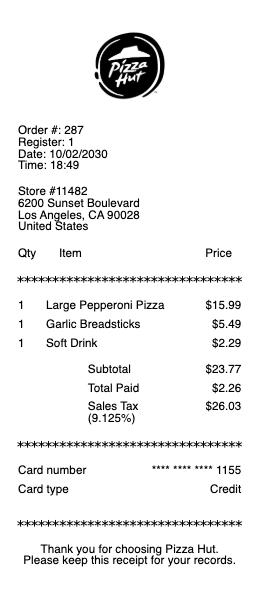
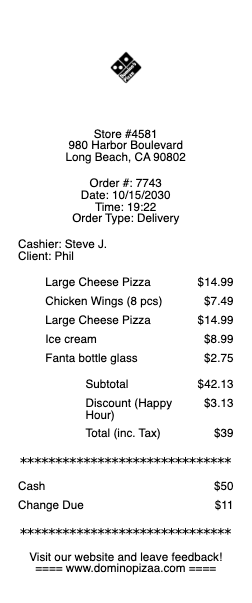
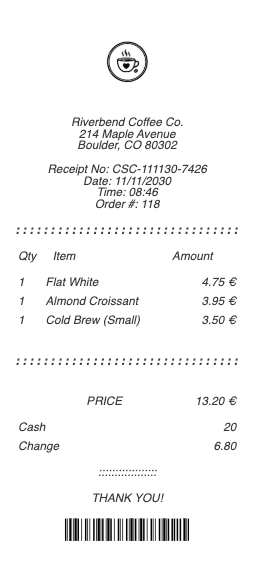
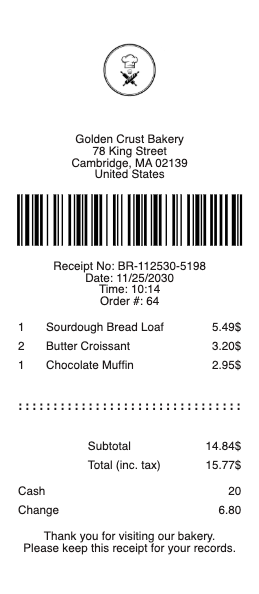
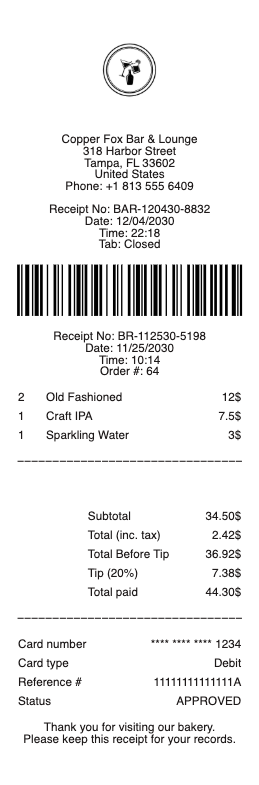
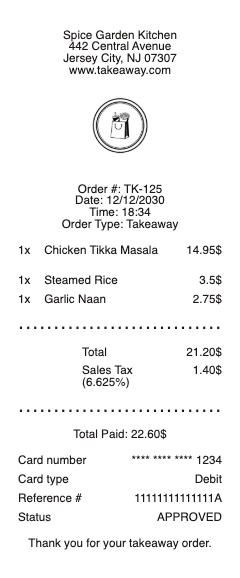
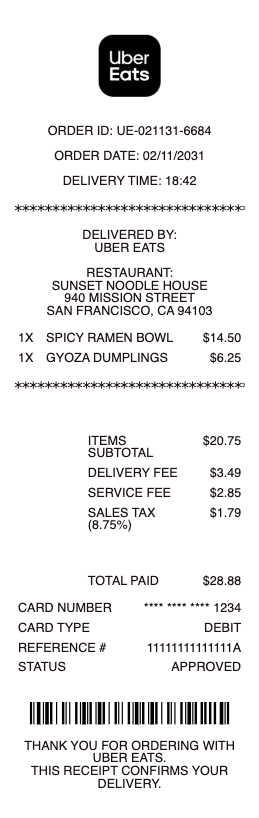
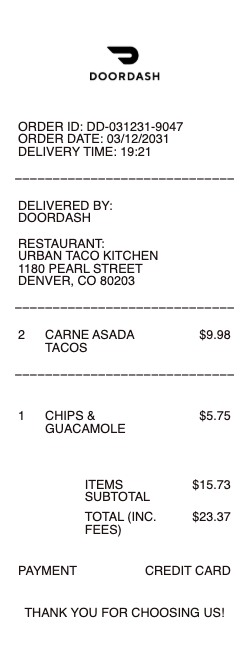
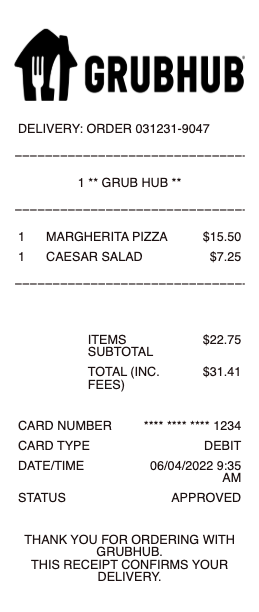
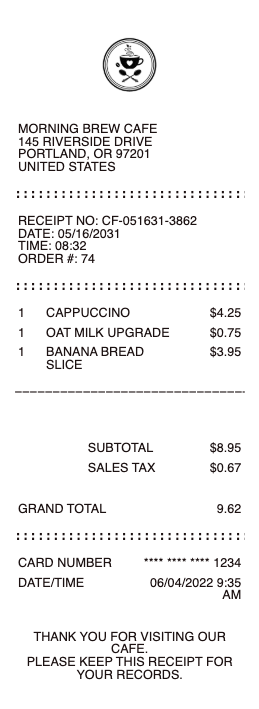
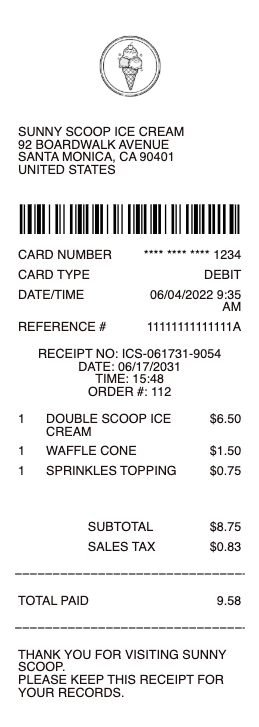
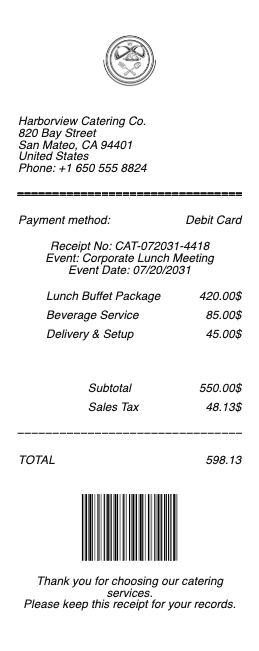
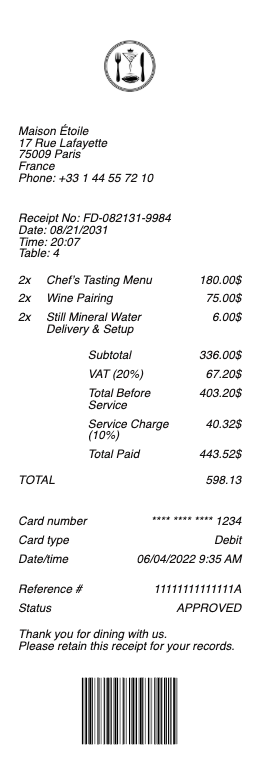
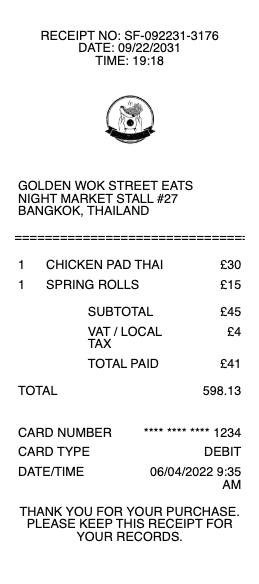
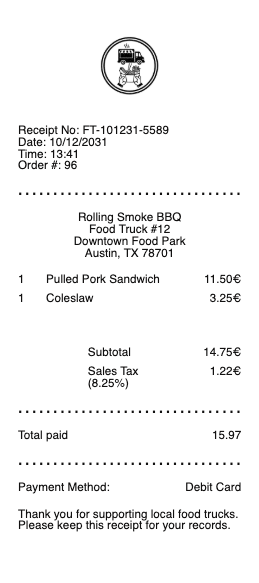
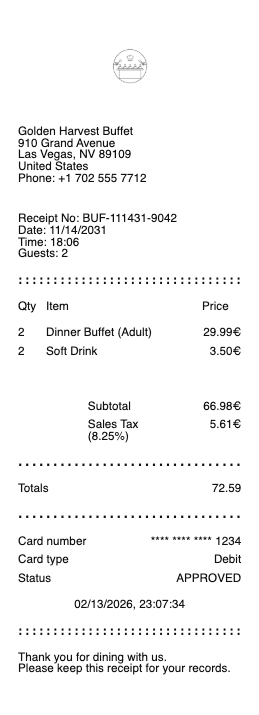
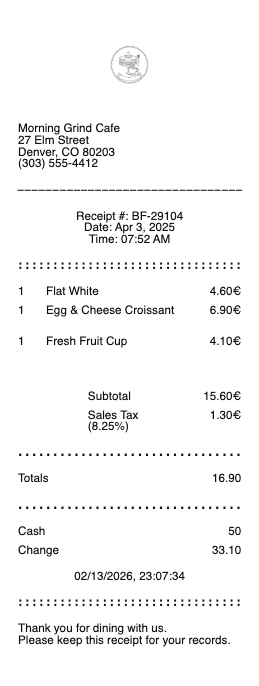
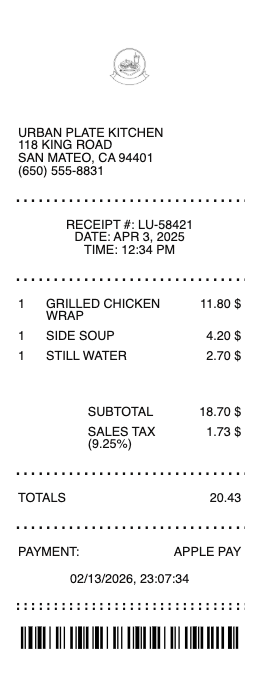
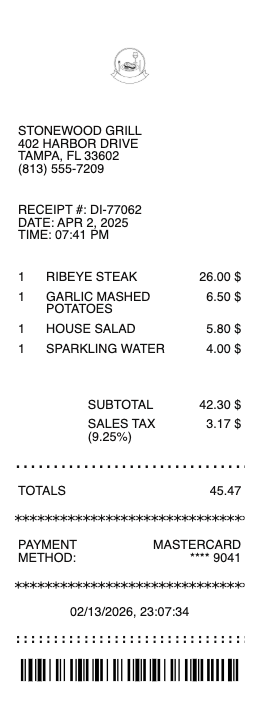
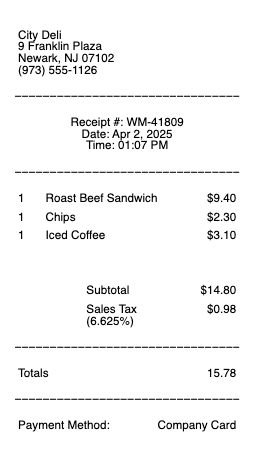
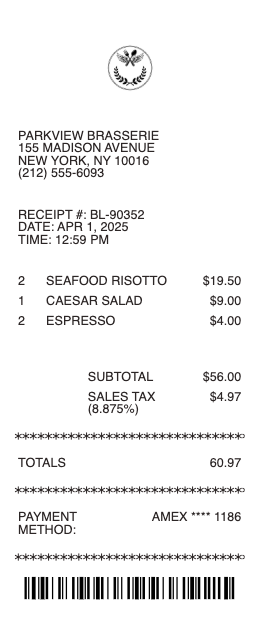
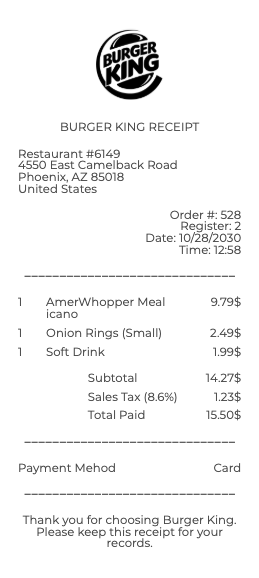
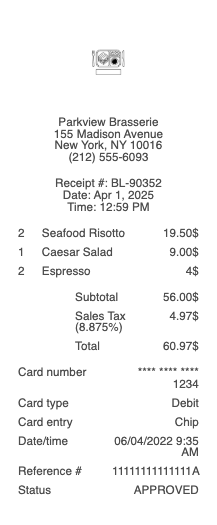
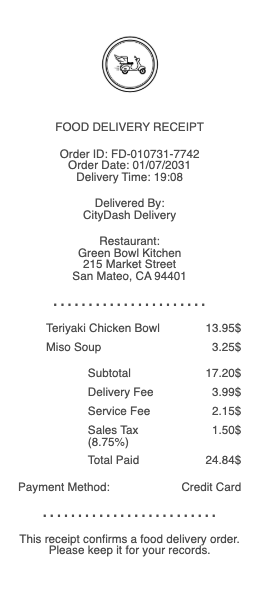
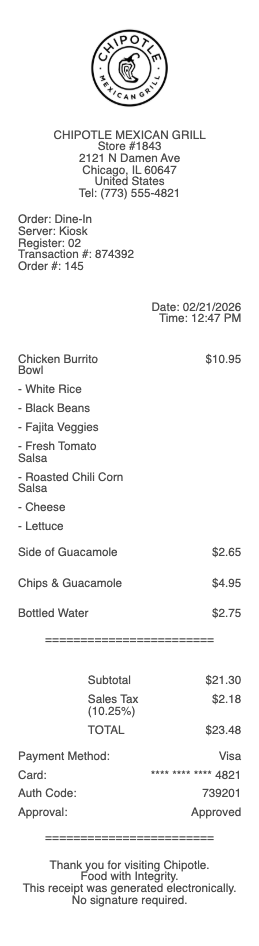
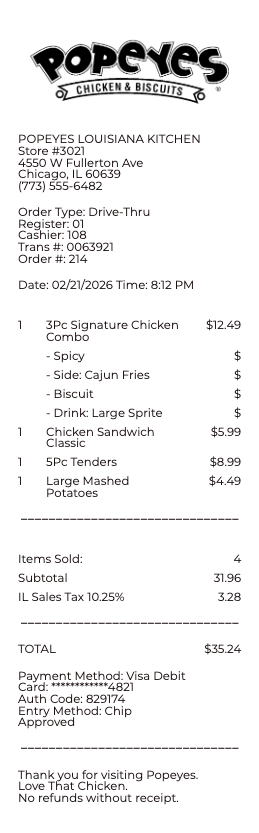
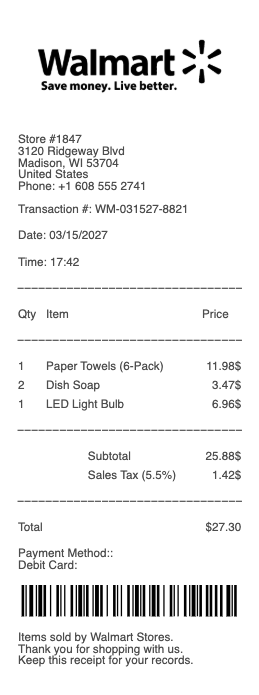
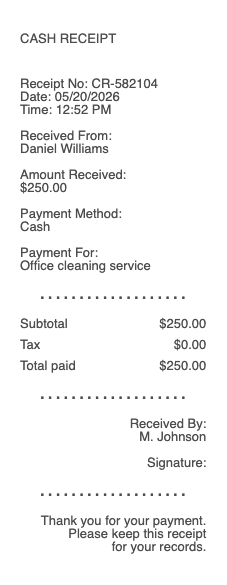
A restaurant receipt is the document a guest receives at the end of a meal — itemized food and drinks, sales tax, an optional tip line, and a final total. It’s also the single most common piece of paperwork the IRS, your employer’s expense system, and your accountant will ever ask you to produce. Any Receipt Generator gives you a free restaurant receipt template you can fill in line by line and download as a PNG or JPG image.
A note on legitimate use. This template is for restaurant operators issuing receipts to their customers, and for diners reconstructing a record of a meal they actually paid for. Producing a receipt for a meal that did not occur, inflating the amount, or fabricating documentation to support an expense report or a business meal deduction is fraud and is not what this tool is for.
Who needs a restaurant receipt
• Employees filing expense reports for client meals, team dinners, or travel meals
• Self-employed professionals and freelancers deducting 50% of business meals on Schedule C
• Business owners documenting client entertainment under IRS Section 274
• Travelers keeping per diem documentation for federal or state reimbursement
• Restaurant owners and servers issuing duplicate receipts when a guest loses theirs
• Diners splitting a check, filing an insurance claim after food poisoning, or documenting a customer complaint
• Anyone trying to recreate a lost receipt for a meal that’s already on a credit card statement
What to include in a restaurant receipt
A restaurant receipt looks different from any other receipt — it has more line items, more taxes, and a tip line nothing else has. A complete restaurant receipt format includes:
• Restaurant name, full address, and phone number
• Server name (or server ID) and table number
• Guest count
• Date and time of the meal (start and end if it’s a sit-down meal)
• Each itemized food and drink, listed with its individual price
• Subtotal (food + drinks before tax)
• Sales tax, broken out separately from the subtotal
• Tip line — pre-filled or blank for the customer to write in
• Final total (subtotal + tax + tip)
• Payment method — cash, credit card (last 4 digits), Apple Pay, gift card
• A unique check or receipt number for the restaurant’s records
• Signature line for credit card payments
The Any Receipt Generator restaurant receipt template includes every field above, plus separate columns for quantity and unit price — exactly the format the IRS expects for business meal substantiation.
How to fill out a receipt at a restaurant
1. Open the restaurant receipt generator and choose a layout (sit-down, fast food, or café)
2. Enter the restaurant name, address, and phone number at the top
3. Add the server name, table number, guest count, and time
4. List each food and drink as a separate line — quantity, item name, and unit price
5. Let the template calculate subtotal automatically
6. Enter your local sales tax rate (or a fixed dollar amount)
7. Add the tip — either as a percentage (15%, 18%, 20%) or a fixed amount
8. The total updates in real time
9. Click Download and export as PNG or JPG
The receipt auto-saves in your browser, so duplicating last week’s lunch with a new date takes ten seconds.
Itemized vs summary restaurant receipts
This is the #1 question accountants get about restaurant receipts.
• Summary receipt — shows only date, restaurant name, and total. The slip your card terminal prints. Acceptable for personal use.
• Itemized receipt — shows every food and drink on a separate line with its price. Required by the IRS for business meal expenses over $75 under IRS Publication 463 and Section 274(d). Most corporate expense systems (Concur, Expensify, Ramp, Brex) require itemized receipts at every dollar amount.
If you only have a summary receipt and need an itemized one, most restaurants will reissue if you call back the same day or week. After that, recreate the receipt from your card statement — list what you ordered to the best of your memory, mark it as "reconstructed," and keep the card statement as backup.
Restaurant receipt vs check vs bill
These three words get used interchangeably but mean different things in a restaurant context:
• Check (or bill) — the document the server brings before payment. Lists items and total but no tip yet. Often called the "guest check."
• Receipt — the final document after payment, including the tip line and total paid.
• Merchant copy — the duplicate the customer signs and the restaurant keeps for the server’s tip-out and the restaurant’s records.
For an expense report or tax return, you want the receipt (with tip and final total), not the check.
Restaurant receipts and taxes
The IRS treats restaurant receipts more strictly than most expense documentation:
• Business meal deduction — 50% deductible under TCJA, claimed on Schedule C (self-employed) or as an unreimbursed employee expense in narrow cases
• $75 itemized rule — under IRS Pub 463, business meals over $75 require an itemized receipt with date, location, business purpose, and attendees
• Substantiation — Section 274(d) says receipts must show: amount, time, place, business purpose, and business relationship of attendees
• Per diem — federal employees and contractors using per diem rates don’t need individual meal receipts, but must document travel itinerary
• State sales tax exemptions — some non-profits and government entities are exempt from sales tax on meals; the receipt must show the exemption certificate number
Keep restaurant receipts for at least 3 years after filing — the IRS audit window — or 7 years if you want to be safe under the substantial-understatement rule.
Receipt for fast food vs sit-down
Fast food receipts are simpler — no server, no table, no tip line by default. Our template auto-detects the format you want:
• Fast food / café layout — restaurant name, items, tax, total. No server, no tip.
• Sit-down restaurant layout — adds server, table, guest count, tip line, and signature.
• Bar / lounge layout — emphasizes drinks with quantity and a "round" subtotal.
Pick the right layout from the generator dropdown and the rest of the form adapts automatically.
Download formats
Every restaurant receipt exports as PNG or JPG. Both work for upload to corporate expense apps (Concur, Expensify, Ramp, Brex) and email attachments.
Generate your restaurant receipt now →
See also: Fast Food Receipt · Coffee Shop Receipt · Café Receipt · Bar Receipt · Catering Receipt · Food Delivery Receipt · Travel & Transport Receipts
Legal disclaimer
Any Receipt Generator does not validate, certify, or verify the authenticity of any generated document. This tool is provided strictly for legitimate purposes — restaurant operators issuing receipts to their customers, and diners reconstructing a record of a meal they actually paid for.
The following uses are strictly prohibited: producing a receipt for a meal that did not occur; inflating the amount, items, or tip on a receipt; submitting a fabricated receipt to a corporate expense system (Concur, Expensify, Ramp, Brex, or any equivalent), to a tax authority as substantiation under IRS Section 274(d), or to an insurance carrier; using a fabricated receipt to claim a business meal deduction or per diem reimbursement that does not reflect actual expenditure; or any use intended to deceive, defraud, or mislead any employer, client, accountant, tax authority, or other third party.
Use of this tool for the creation of fraudulent documentation or to engage in any unlawful activity is strictly prohibited and may constitute wire fraud, mail fraud, tax fraud, expense report fraud, or other criminal offenses depending on jurisdiction. Users assume full legal responsibility for the accuracy and intended use of any files they generate.
Federal & state law. Use of this tool to fabricate documentation or otherwise commit fraud may constitute violations of US federal law, including wire fraud (18 U.S.C.
1343), mail fraud (18 U.S.C.
1341), bank fraud (18 U.S.C.
1344), false statements to federal agencies (18 U.S.C.
1001), tax fraud (26 U.S.C.
7206), and parallel state and foreign criminal statutes. Penalties include fines up to $250,000 per offense, imprisonment, restitution, and civil liability.
No professional advice. Information provided through this tool is for general informational purposes only and does not constitute legal, tax, accounting, financial, medical, insurance, or other professional advice. Consult a qualified professional before relying on any generated document for tax filing, claim submission, court proceedings, or any third-party transaction.
"AS IS" service; no warranty. Any Receipt Generator is provided "AS IS" and "AS AVAILABLE" without warranties of any kind, express or implied, including merchantability, fitness for a particular purpose, accuracy, completeness, or non-infringement. We make no representation that any generated document will satisfy the legal, regulatory, or evidentiary requirements of any specific jurisdiction, recipient, or use case.
Indemnification. By using this tool, the user agrees to defend, indemnify, and hold harmless Any Receipt Generator and its operators, employees, contractors, and affiliates from and against any and all claims, damages, fines, penalties, losses, costs, and expenses (including reasonable attorneys' fees) arising from or related to the user's use or misuse of the tool, including violation of these terms or applicable law.
Acceptance & Terms. By accessing or using this tool, the user acknowledges having read and agreed to these terms and to our Terms of Service and Privacy Policy. Continued use after any update to these terms constitutes acceptance of the revised terms.
Any Receipt Generator is not affiliated with, endorsed by, or authorized by any restaurant brand, restaurant chain, point-of-sale provider, expense management platform, or food-service franchise. All trademarks, service marks, trade names, and brand references mentioned remain the property of their respective owners and are used only for descriptive reference purposes.
Related category: Cuisine and Beverage Samples